1
4
Command Line Interface
Port Security Commands
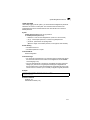
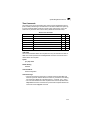
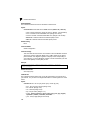
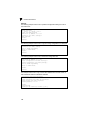
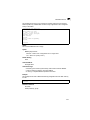
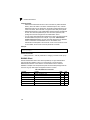
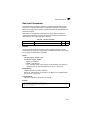
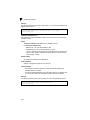
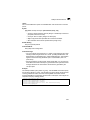
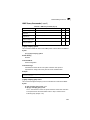
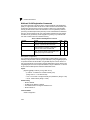
These commands can be used to enable port security on a port. When using port
security, the switch stops learning new MAC addresses on the specified port when it
has reached a configured maximum number. Only incoming traffic with source
addresses already stored in the dynamic or static address table for this port will be
authorized to access the network. The port will drop any incoming frames with a
source MAC address that is unknown or has been previously learned from another
port. If a device with an unauthorized MAC address attempts to use the switch port,
the intrusion will be detected and the switch can automatically take action by
disabling the port and sending a trap message.
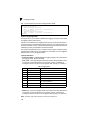
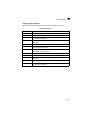
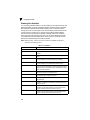
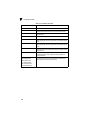
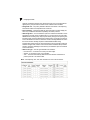
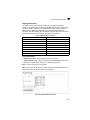
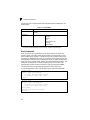
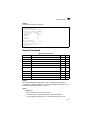
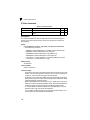
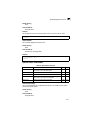
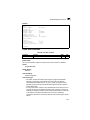
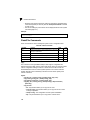
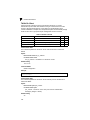
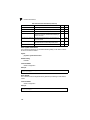
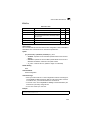
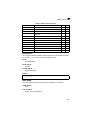
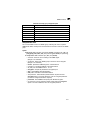
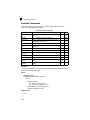
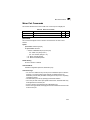
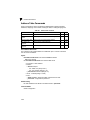
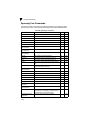
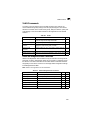
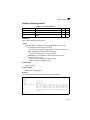
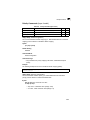
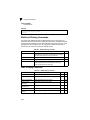
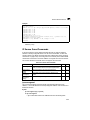
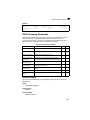
Table 4-31 Port Security Commands
Command
Function
Mode
port security
Configures a secure port
IC
Page
4-78
mac-address-table static
Maps a static address to a port in a VLAN
GC
4-138
show mac-address-table
Displays entries in the bridge-forwarding database
PE
4-139
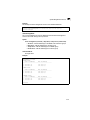
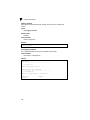
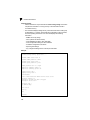
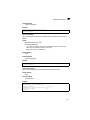
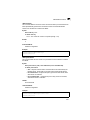
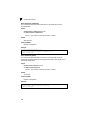
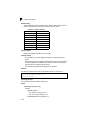
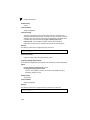
port security
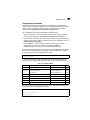
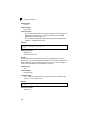
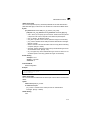
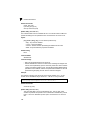
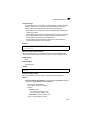
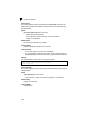
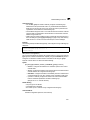
This command enables or configures port security. Use the no form without any
keywords to disable port security. Use the no form with the appropriate keyword to
restore the default settings for a response to security violation or for the maximum
number of allowed addresses.
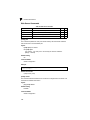
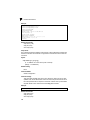
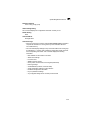
Syntax
port security [action {shutdown | trap | trap-and-shutdown}
| max-mac-count address-count]
no port security [action | max-mac-count]
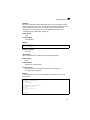
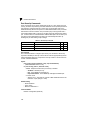
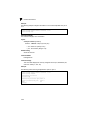
• action - Response to take when port security is violated.
- shutdown - Disable port only.
- trap - Issue SNMP trap message only.
- trap-and-shutdown - Issue SNMP trap message and disable port.
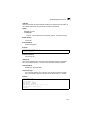
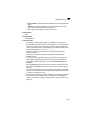
• max-mac-count
- address-count - The maximum number of MAC addresses that can be
learned on a port. (Range: 0-1024)
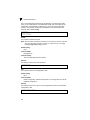
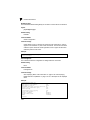
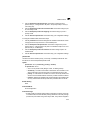
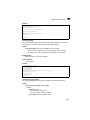
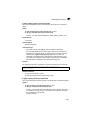
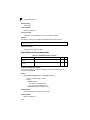
Default Setting
• Status: Disabled
• Action: None
• Maximum Addresses: 0
Command Mode
Interface Configuration (Ethernet)
4-78