1
4
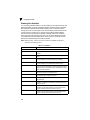
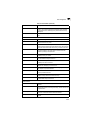
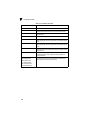
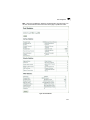
Priority Commands
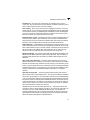
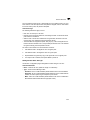
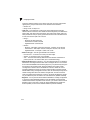
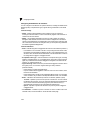
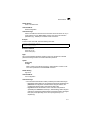
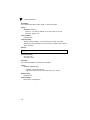
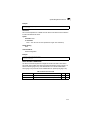
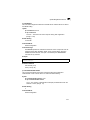
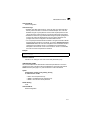
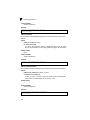
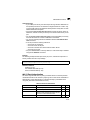
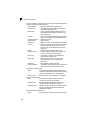
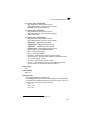
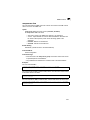
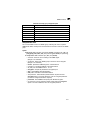
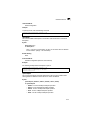
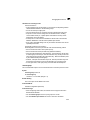
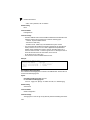
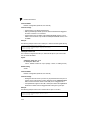
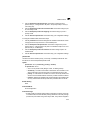
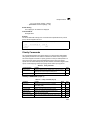
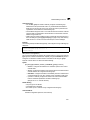
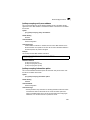
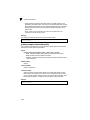
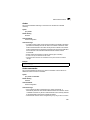
- port - Port number. (Range: 1-26/50)
• port-channel channel-id (Range: 1-32)
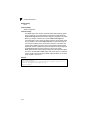
Default Setting
The mapping for all interfaces is displayed.
Command Mode
Privileged Exec
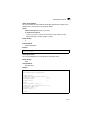
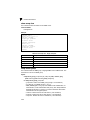
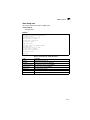
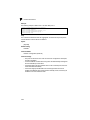
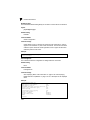
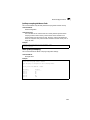
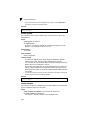
Example
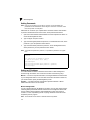
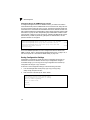
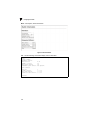
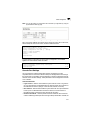
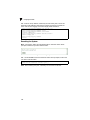
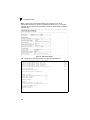
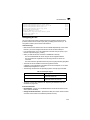
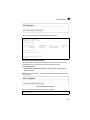
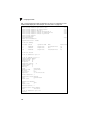
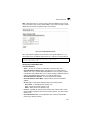
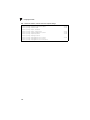
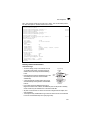
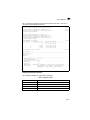
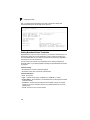
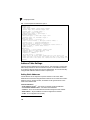
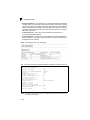
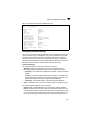
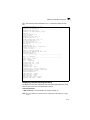
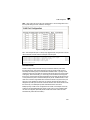
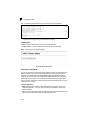
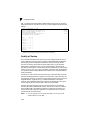
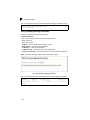
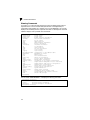
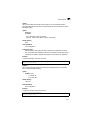
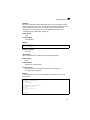
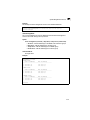
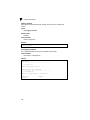
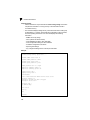
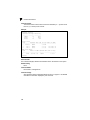
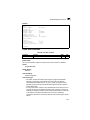
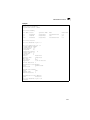
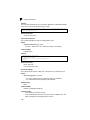
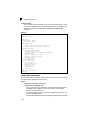
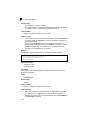
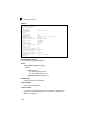
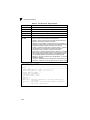
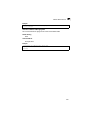
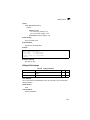
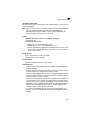
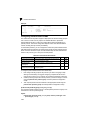
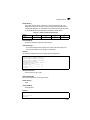
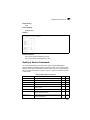
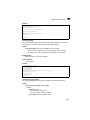
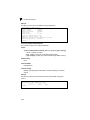
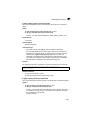
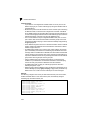
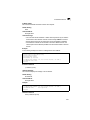
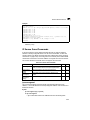
This shows that traffic entering Port 1 that matches the specifications for protocol
group 1 will be mapped to VLAN 2:
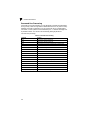
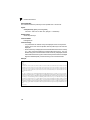
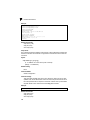
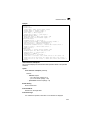
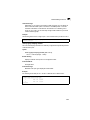
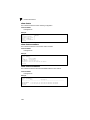
Console#show interfaces protocol-vlan protocol-group
Port
ProtocolGroup ID
Vlan ID
---------- ------------------ ----------Eth 1/1
1
vlan2
Console#
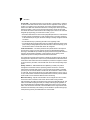
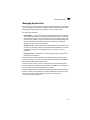
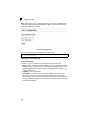
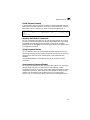
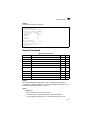
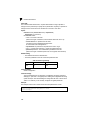
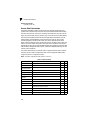
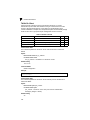
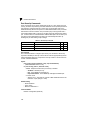
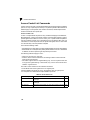
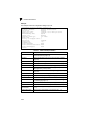
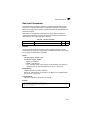
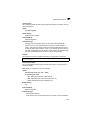
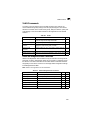
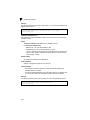
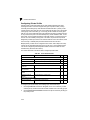
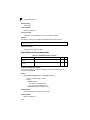
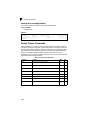
Priority Commands
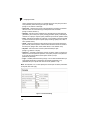
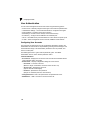
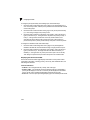
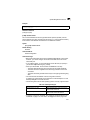
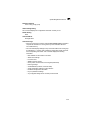
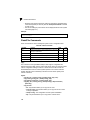
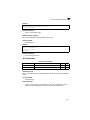
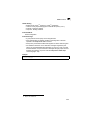
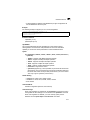
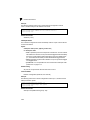
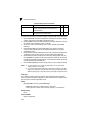
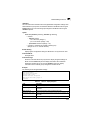
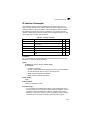
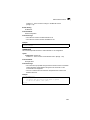
The commands described in this section allow you to specify which data packets
have greater precedence when traffic is buffered in the switch due to congestion.
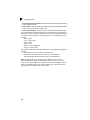
This switch supports CoS with four priority queues for each port. Data packets in a
port’s high-priority queue will be transmitted before those in the lower-priority
queues. You can set the default priority for each interface, the relative weight of each
queue, and the mapping of frame priority tags to the switch’s priority queues.
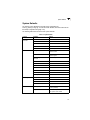
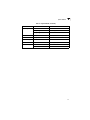
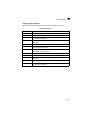
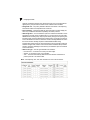
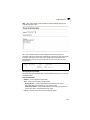
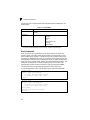
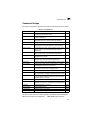
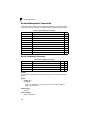
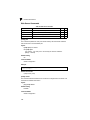
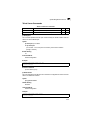
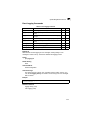
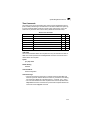
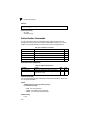
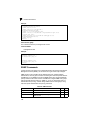
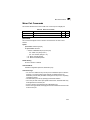
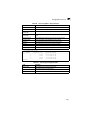
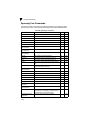
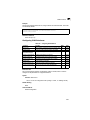
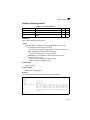
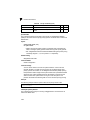
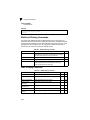
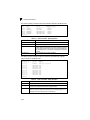
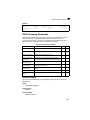
Table 4-60
Priority Commands
Command Groups
Function
Page
Priority (Layer 2)
Configures default priority for untagged frames, sets queue weights,
and maps class of service tags to hardware queues
4-183
Priority (Layer 3 and 4)
Maps IP DSCP tags to class of service values
4-189
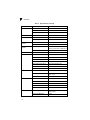
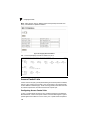
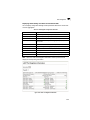
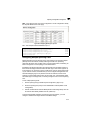
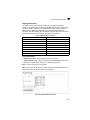
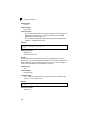
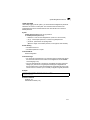
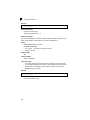
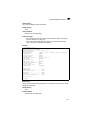
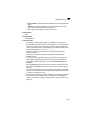
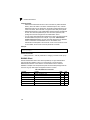
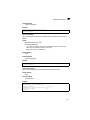
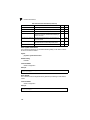
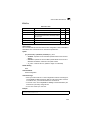
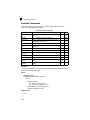
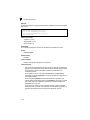
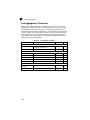
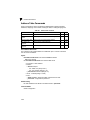
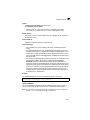
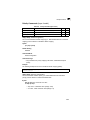
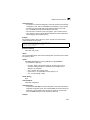
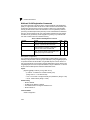
Priority Commands (Layer 2)
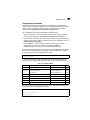
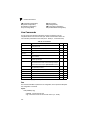
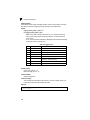
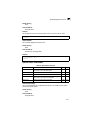
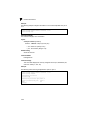
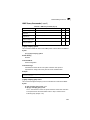
Table 4-61
Priority Commands (Layer 2)
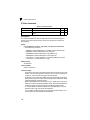
Command
Function
Mode
Page
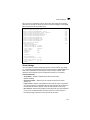
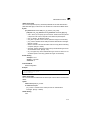
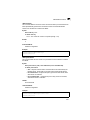
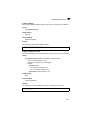
queue mode
Sets the queue mode to strict priority or Weighted
Round-Robin (WRR)
GC
4-184
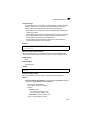
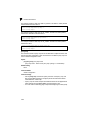
switchport priority default
Sets a port priority for incoming untagged frames
IC
4-184
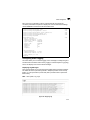
queue bandwidth
Assigns round-robin weights to the priority queues
GC
4-185
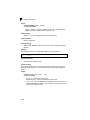
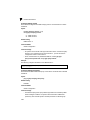
queue cos map
Assigns class-of-service values to the priority queues
IC
4-186
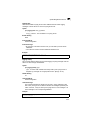
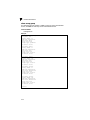
show queue mode
Shows the current queue mode
PE
4-187
show queue bandwidth
Shows round-robin weights assigned to the priority queues
PE
4-188
4-183