1
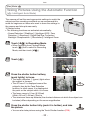
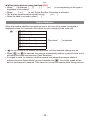
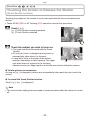
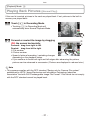
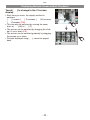
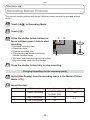
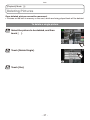
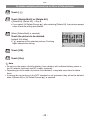
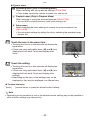
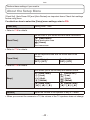
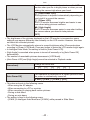
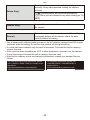
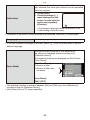
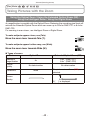
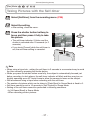
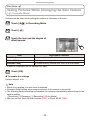
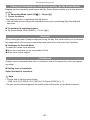
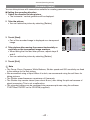
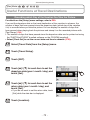
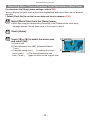
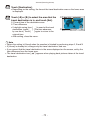
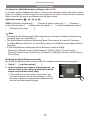
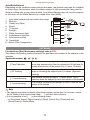
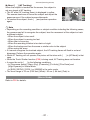
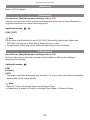
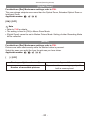
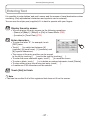
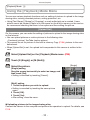
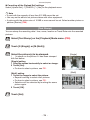
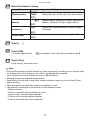
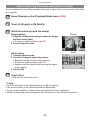
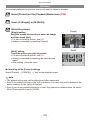
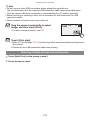
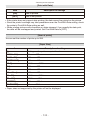
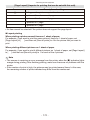
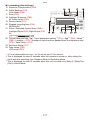
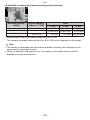
Advanced (Recording pictures) [Rec] Mode: < Taking Pictures While Changing the Skin Texture (<: Cosmetic Mode) Pictures can be taken while setting the texture or clearness of the skin. Touch [w1] in Recording Mode. Touch [<]. Touch the item and the degree of effectiveness. Item [Soft Skin] [Natural Skin] [Summer Look] Adjustment contents To take a picture with soft skin. To bring out the original beauty of the skin. To create healthy tanned skin such as at the beach. •3 levels of clearness can be selected for each. Touch [OK]. To remake the settings Perform steps 1 to 3. Note •Effect is not applied if no skin tone is detected. •Cosmetic Mode setting set is memorized even if the camera is turned off. •The following items cannot be set because the camera automatically adjusts them to the optimal setting. ––[Sensitivity] / [i.Exposure] / [i.Resolution] / [Color Mode] •You can use the Touch Shutter function (P29), or Touch AF/AE (P30). - 59 -