1
Intro
duc
tion
C.
A.
4
Batt
e
Cha ry Insta
rgin
ll &
g
Media Cover
flips open
Media Roll
Note direction media
pulls off the roll.
Pull Media out of
Printer
Press Latch Button
Clea
n
shoo ing and
ting
Trou
ble-
Con
n
Print ect Prin
te
er Co
ntro r/
ls
Med
ia Lo
adin
g
B.
Pull Media Supports
apart where shown.
Close Media
Cover
Acce
s
Con sories a
tact
n
Info d
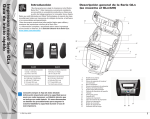
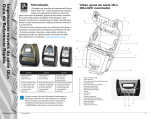
QLn Series Mobile Printers
Quick Start Guide
Loading the Media
5