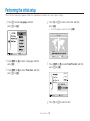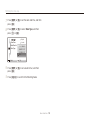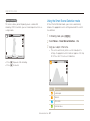
1
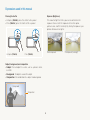
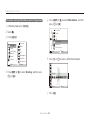
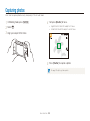
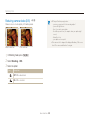
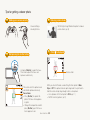
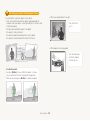
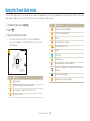
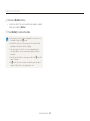
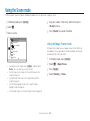
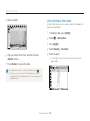
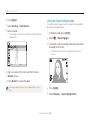
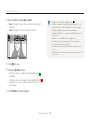
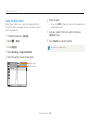
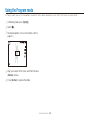
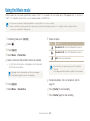
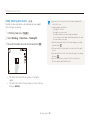
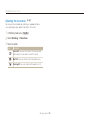
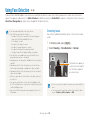
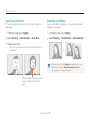
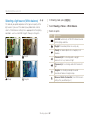
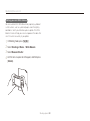
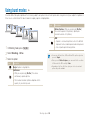
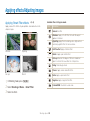
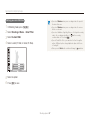
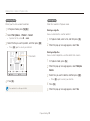
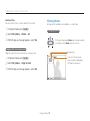
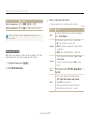
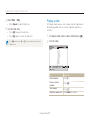
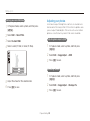
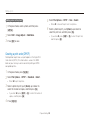
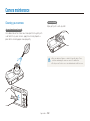
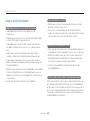
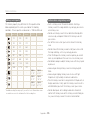
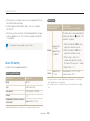
Adjusting brightness and color Defining your own White Balance You can customize the White Balance by capturing a photo of a white surface, such as a piece of paper, under the lighting conditions in which you intend to capture a photo. The White Balance feature will help your camera reproduce the colors that are in the scene accurately in your photo. 1 2 3 4 In Shooting mode, press [m]. Select Shooting or Movie White Balance. Select Measure: Shutter. Aim the lens at a piece of white paper, and then press [Shutter]. Shooting options 63