1
Setting Up Additional Computers
1. Make sure your product is turned on.
2. Insert the product software CD.
3. Windows 7 and Windows Vista: If you see the AutoPlay window, click Run
Setup.exe. When you see the User Account Control screen, click Yes or
Continue.
Windows XP: When you see the Software Installation screen, continue with
step 4.
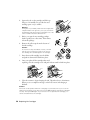
Mac OS X: Double-click the
Epson icon.
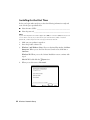
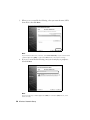
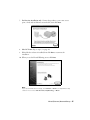
4. When you see this screen, click Install.
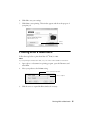
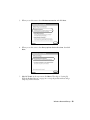
5. When you see this screen, select Wireless connection and click Next.
42 Wireless Network Setup