1
1/10 and 10-Gigabit Layer 2/3 Ethernet Switches User’s Manual
System Settings
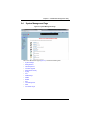
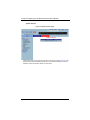
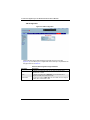
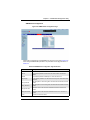
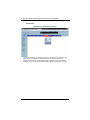
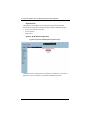
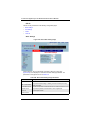
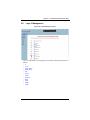
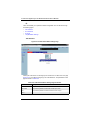
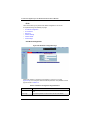
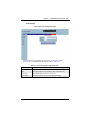
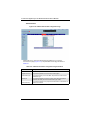
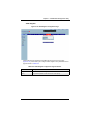
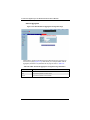
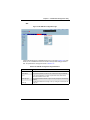
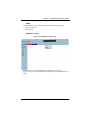
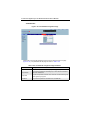
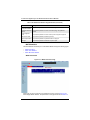
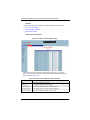
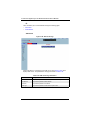
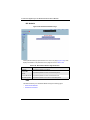
The following pages can be accessed through the System Settings link:
•
System Settings
•
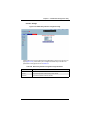
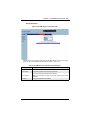
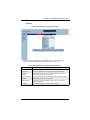
System Version
System Settings
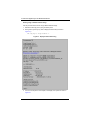
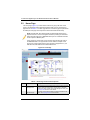
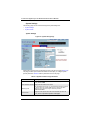
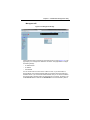
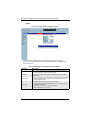
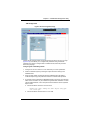
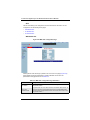
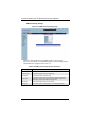
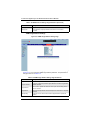
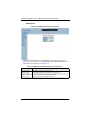
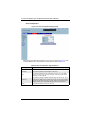
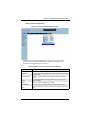
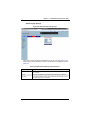
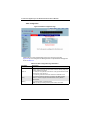
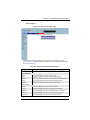
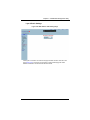
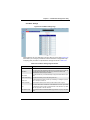
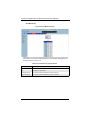
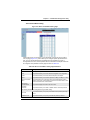
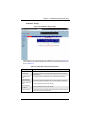
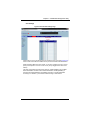
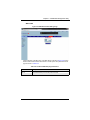
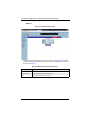
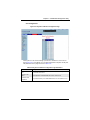
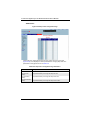
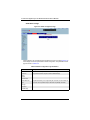
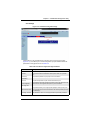
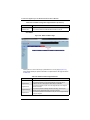
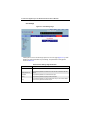
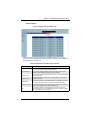
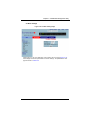
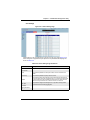
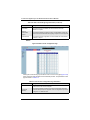
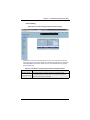
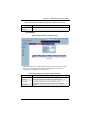
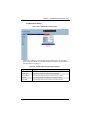
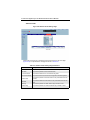
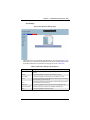
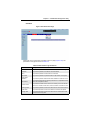
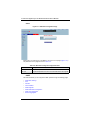
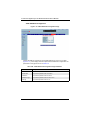
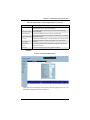
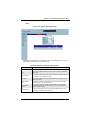
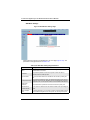
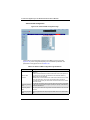
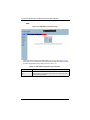
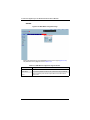
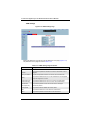
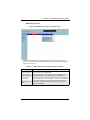
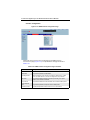
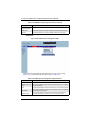
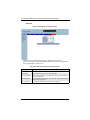
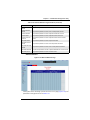
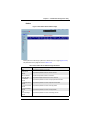
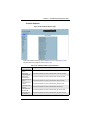
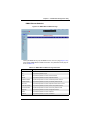
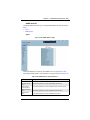
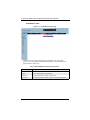
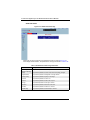
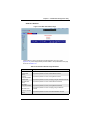
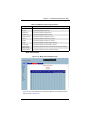
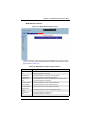
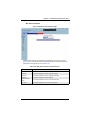
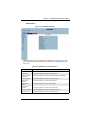
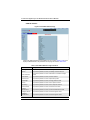
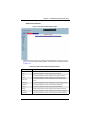
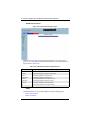
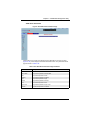
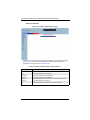
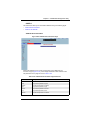
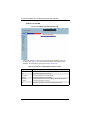
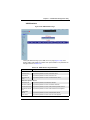
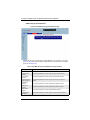
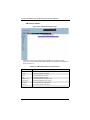
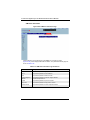
Figure 5-8. System Settings Page
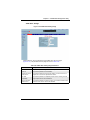
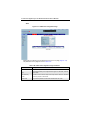
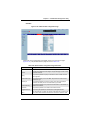
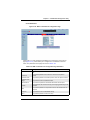
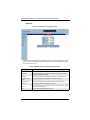
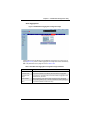
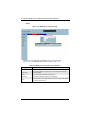
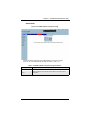
Clicking the SYSTEM INFORMATION tab brings up the SYSTEM SETTINGS page (Figure 5-8).
This page provides system related information and also helps you configure system
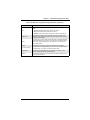
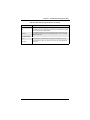
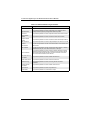
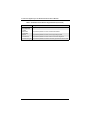
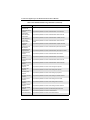
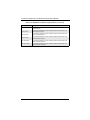
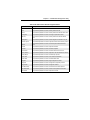
specific parameters. Table 5-2 lists the parameters found on this page.
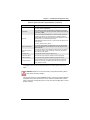
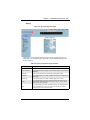
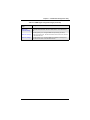
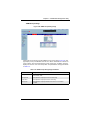
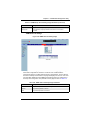
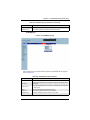
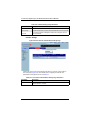
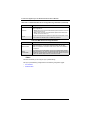
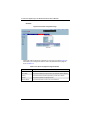
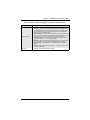
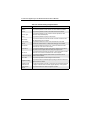
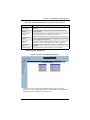
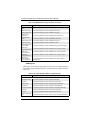
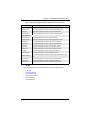
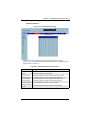
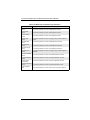
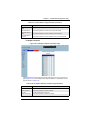
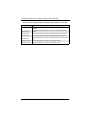
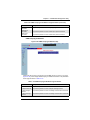
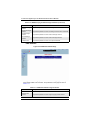
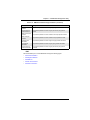
Table 5-2. System Information Page Parameters
Parameter
Description
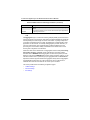
Device Name
Assigns a name to identify this device – 15 Characters input limit. The
factory default is SMIS.
Switch Base MAC Address Displays the MAC Address of the switch.
SNMP Engine ID
Sets the SNMP engine ID with 5 to 32 hexadecimal characters separated
by dots for the local or remote SNMP engine. A restart of the switch
required if these values are changed. The factory default is
80.00.08.1c.04.46.53
Device Contact
Assigns a contact person's name with a 255-character input limit. The
factory default is http://www.supermicro.com/support.
5-10