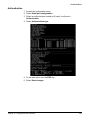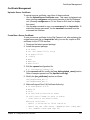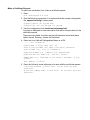
1
Assign Users to a Menu
Assign Users to a Menu
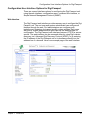
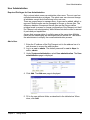
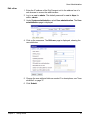
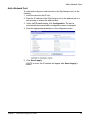
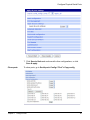
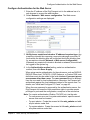
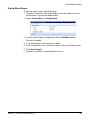
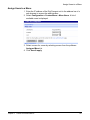
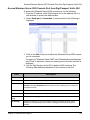
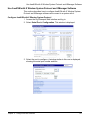
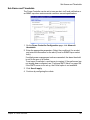
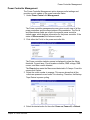
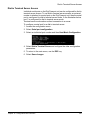
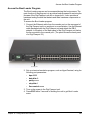
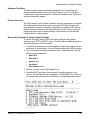
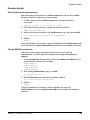
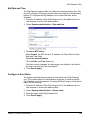
1. Enter the IP address of the Digi Passport unit in the address bar of a
web browser to access the web interface.
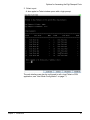
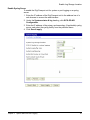
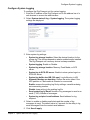
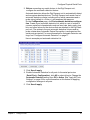
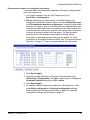
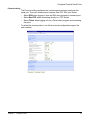
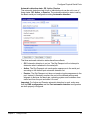
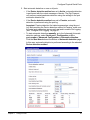
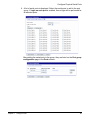
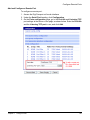
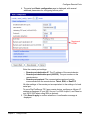
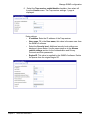
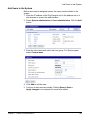
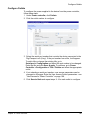
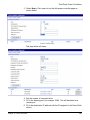
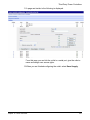
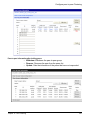
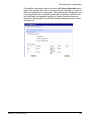
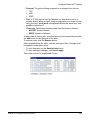
2. Select Configuration > Custom Menu > Menu Users. A list of
available users is displayed.
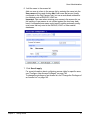
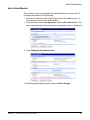
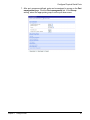
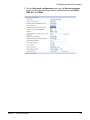
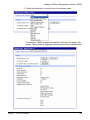
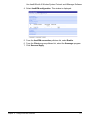
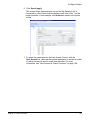
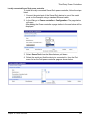
3. Select a menu for a user by selecting a menu from the pulldown
Assigned Menu list.
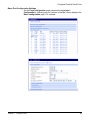
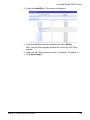
4. Click Save & apply.
Chapter 9
Custom and Default Menus
161