1
Process for Setting Up Microsoft SAC Support
Process for Setting Up Microsoft SAC Support
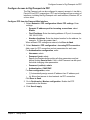
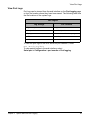
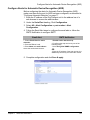
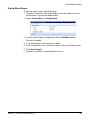
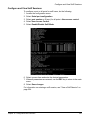
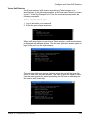
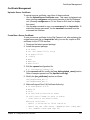
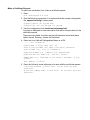
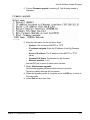
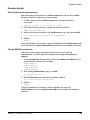
Setup for the Digi Passport unit SAC support is a three-step process:
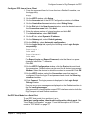
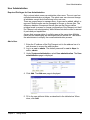
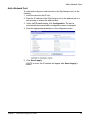
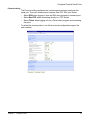
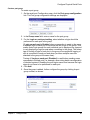
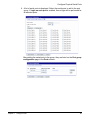
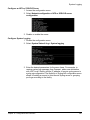
1. Set up the Windows Server 2003 for SAC support. To do this, ensure
that the COM port used for console traffic is properly set up. This
includes designating a COM port for console communication and
setting the port speed (baud) appropriately. For further information
please refer to Set Up the Windows Server 2003 Port below.
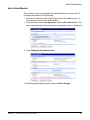
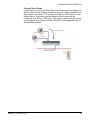
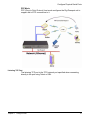
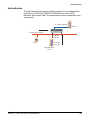
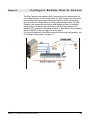
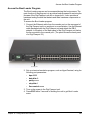
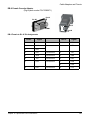
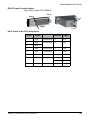
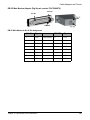
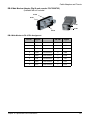
2. Cable the console port on the Windows Server 2003 to the Digi
Passport unit’s port.
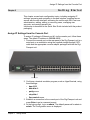
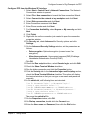
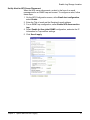
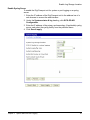
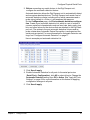
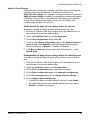
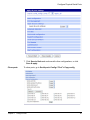
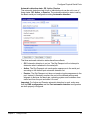
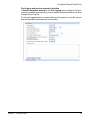
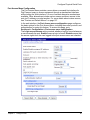
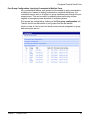
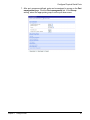
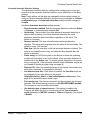
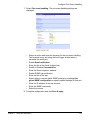
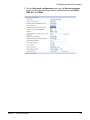
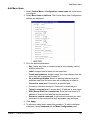
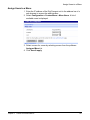
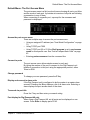
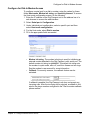
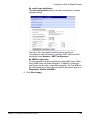
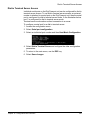
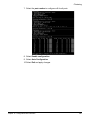
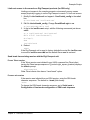
3. Set up the Digi Passport unit for SAC support. See Set Up the Digi
Passport Unit for SAC Support"Set Up the Digi Passport Unit for SAC
Support" on page 166.
Chapter 10 Microsoft SAC Support
164