1
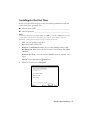
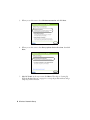
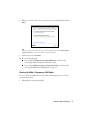
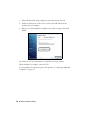
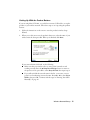
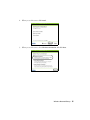
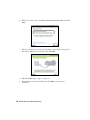
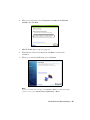
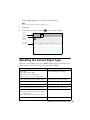
10. When you see the Firewall Warning screen, click Next.
Note:
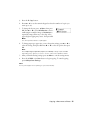
If you see a firewall alert message, click Unblock or Allow to let EpsonNet Setup
continue. Do not select Ask Me Later, Keep Blocking, or Block.
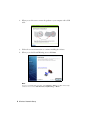
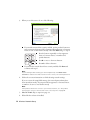
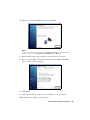
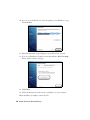
11. Wait while EpsonNet Setup configures your product for the network.
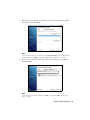
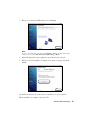
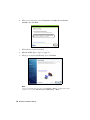
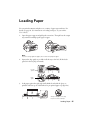
12. If you see an Installation Complete screen that includes a Print Test Page
button, click it to print a test page.
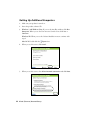
13. Click Finish.
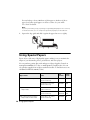
14. Follow the instructions on the screen to install the rest of your software.
When installation is complete, remove the CD.
Wired (Ethernet) Network Setup 21