1
Using effect modes
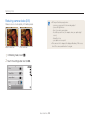
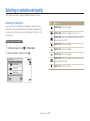
Using the Palette Effect mode
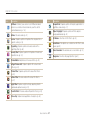
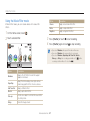
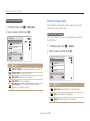
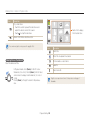
Option
Description
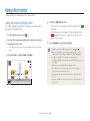
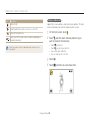
In Palette Effect mode, you can record a video with effects to
make specific colors stand out.
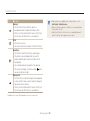
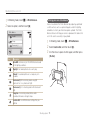
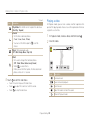
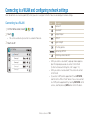
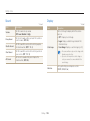
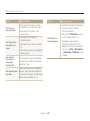
Palette Effect 1
Create a vivid look with sharp contrast and a
red color.
Palette Effect 2
Make scenes clean and clear by applying a
soft blue tone.
Palette Effect 3
Apply a soft brown tone.
Palette Effect 4
Create a cold and monotone effect.
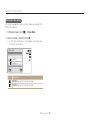
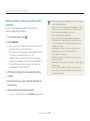
1
2
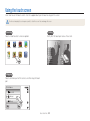
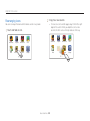
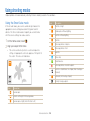
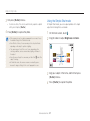
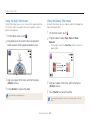
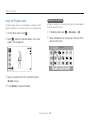
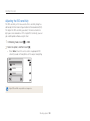
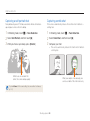
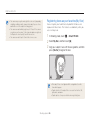
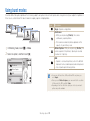
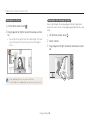
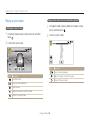
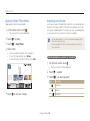
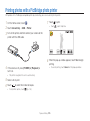
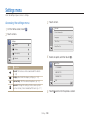
On the Home screen, touch
.
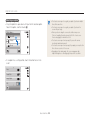
Touch a desired palette.
3
4
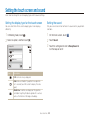
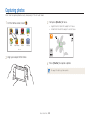
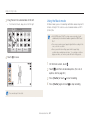
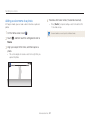
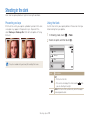
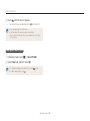
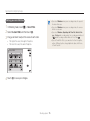
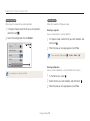
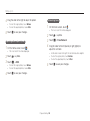
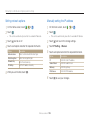
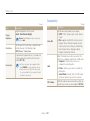
Press [Shutter] or touch
to start recording.
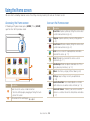
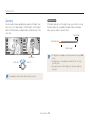
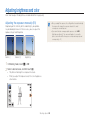
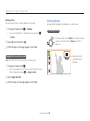
Press [Shutter] again or touch
Extended functions 49
to stop recording.