1
Basic faxing
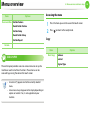
• Accessing menus may differ from model to model (see
"Accessing the menu" on page 32).
2. Menu overview and basic setup
1
The default document settings produce good results when using
typical text-based originals. However, if you send originals that are of
poor quality, or contain photographs, you can adjust the resolution
to produce a higher quality fax.
The resolution setting is applied to the current fax job. To
change the default setting (see Advanced Guide).
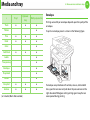
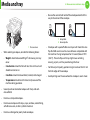
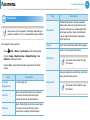
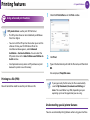
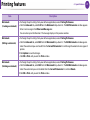
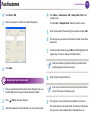
(Menu) > Fax Feature > Resolution on
Or select Fax > select a fax such as Manual Send, On Hook
• It may be necessary to press OK to navigate to lower-level
menus for some models.
Resolution
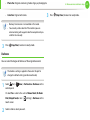
Select
(fax) >
the control panel.
80
Dial, Delayed Send, or etc. >
the touch screen.
2
(settings) > Resolution on
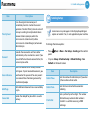
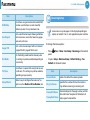
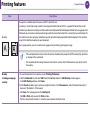
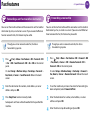
Select the option you want and press OK.
•
Standard: Originals with normal sized characters.
•
Fine: Originals containing small characters or thin lines or
originals printed using a dot-matrix printer.
•
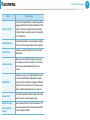
Super Fine: Originals containing extremely fine detail.
Super Fine mode is enabled only if the machine with
which you are communicating also supports the Super
Fine resolution.
• For memory transmission, Super Fine mode is not
available. The resolution setting is automatically changed
to Fine.
• When your machine is set to Super Fine resolution and
the fax machine with which you are communicating does
not support Super Fine resolution, the machine transmits
using the highest resolution mode supported by the other
fax machine.