1
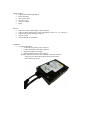
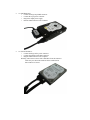
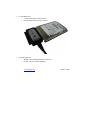
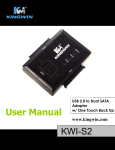
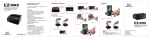
3.5” IDE Hard Drive o Connect the large 40 pin IDE connector. o Connect the 4 pin power connector. o Plug in the output power supply. o Plug the USB connector to the computer. 2.5” SATA Hard Drive o Connect the large SATA power connector. o Connect the smaller SATA data connector. o Plug the USB connector to the computer. Warning: when want to release SATA hard drive from the connector make sure press down the metal tab on the smaller SATA data connector to release.