1
•
•
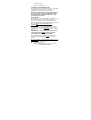
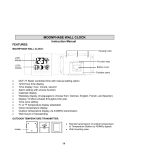
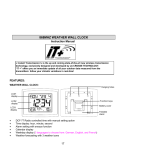
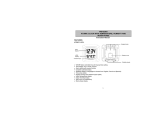
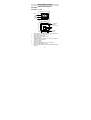
Low battery indicator
Wall mount or freestanding
TO INSTALL / REPLACE BATTERY
The solar wall clock can use either the included 1 x AA Alkaline
rechargeable battery (charged by solar panel) or 1 x AA
Alkaline battery (non-rechargeable; not included).
Important: the battery type selection (rechargeable or
non-rechargeable) must be made BEFORE inserting
the battery into the compartment otherwise it may
cause damage to the clock!
INITIAL SETUP
The included alkaline rechargeable battery should provide you
with many years of service. If your battery needs to be
replaced, we suggest you use a fully charged AA Alkaline.
Rechargeable batteries should be fully charged before inserting
into clock. Alkaline rechargeable batteries are
recommended.
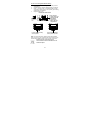
If you choose to use a non-rechargeable battery, the battery
switch MUST be moved to the BATTERY position (not the
SOLAR position). In this position, the solar cells do not charge
the battery.
REGARDLESS OF THE TYPE OF BATTERY INSTALLED,
THE BATTERY SWITCH MUST BE IN THE BATTERY
POSITION WHEN THE BATTERY IS INSERTED.
If a rechargeable battery is used, the battery switch should
be moved to the SOLAR position AFTER it is has been
inserted.
To use the included rechargeable Alkaline battery (charged
by solar panel):
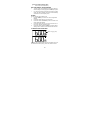
1.
Remove the insulation tape.
2.
Replace battery cover
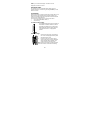
3.
Remove the black protective foil on the solar panel.
DO NOT SET THE CLOCK.
17