1
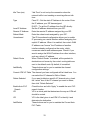
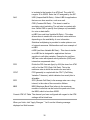
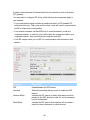
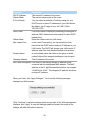
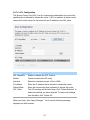
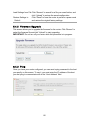
Load Settings from File Click “Browse” to search for a file you saved before, and
click “Upload” to restore the saved configuration.
Restore Settings to
Default
Click “Reset” to force the router to perform a power reset
and restore the original factory settings.
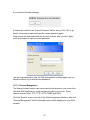
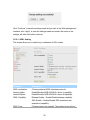
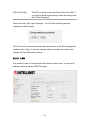
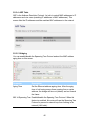
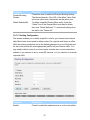
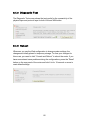
5.4.2 Firmware Upgrade
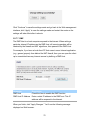
This screen allows you to upgrade the firmware for the router. Click “Browse” to
select the firmware file and click “Upload” to start upgrading.
IMPORTANT! Do not turn off your router while this procedure is in progress.
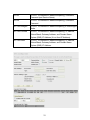
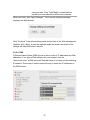
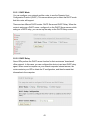
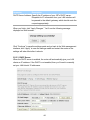
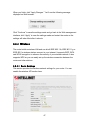
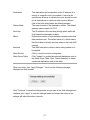
5.4.3 Ping
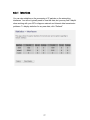
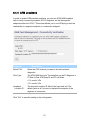
Once you have your router configured, you can send a ping command to the host
you specify on this screen. To use it, you must enter the IP address of the host
you are trying to communicate with in the “Host Address” field.
80