1
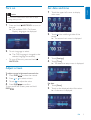
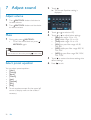
You can store up to 6 stations in each band.
Store stations manually
1
2
3
4
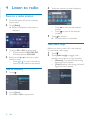
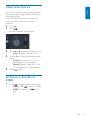
Tune to a preset station
1
2
3
E n g lish
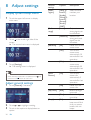
Store radio stations in
memory
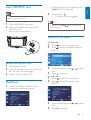
Touch [Radio].
Select band.
Touch one of the preset channels (01 to
06) to select a preset station.
Tune to the station.
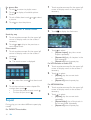
Touch
.
Touch [Save].
Touch one of the channels 01 to 06 to
save the select band.
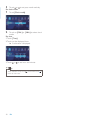
Store stations automatically
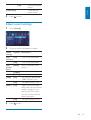
You can search for a station with intro search,
which broadcasts a 10-second preview of each
detected radio station.
1
2
3
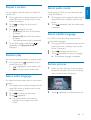
Select band.
Touch
.
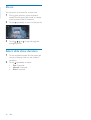
Touch [Search].
» Auto search starts. The six strongest
stations of the selected band are saved
in preset channels 1-6 automatically.
EN
13