1
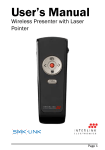
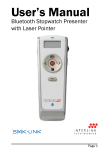
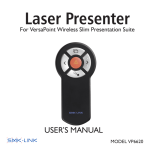
Laser Warning
Light (Green LED)
Previous Page
Application Switch
F5(Slide Show)/
ESC
Sliding Door (Mode
Switch)
Next Page
Dark Screen/
Resume
Laser Pointer
Trigger
Operating Tips & Trouble Shooting
•
Make sure the mouse is turned on by checking the
on/off switch located at the bottom of the mouse before
using it.
•
Conserve the battery power by switching the on/off
switch to “off” position while traveling or if the mouse
will not be in use for awhile. If you will not use the
mouse for a long period of time remove the batteries
from the battery compartment.
•
Optical mouse works best in non-reflective, non-white,
surface. If cursor movements are lagging, placing
the mouse on a mousepad will help. Darker surface
requires more energy to operate thus consumes more
battery power.
•
When the mouse cursor behaves erratically check the
power-indicator LED for power status, i.e. LED light
Page 12