1
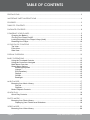
TABLE OF CONTENTS
PRECAUTIONS..................................................................................................................................
2
IMPORTANT SAFETY INSTRUCTIONS.............................................................................................. 4
FEATURES.......................................................................................................................................... 5
TABLE OF CONTENTS....................................................................................................................... 6
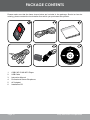
PACKAGE CONTENTS..................................................................................................................... 8
POWERING YOUR PLAYER.............................................................................................................. 9
Charging the Battery.................................................................................................................9
\Turning Your Player On/Off......................................................................................................9
Locking/Unlocking Your Player’s Keys (Hold)..........................................................................9
Resetting Your Player.............................................................................................................10
LOCATION OF CONTROLS............................................................................................................11
Top View.................................................................................................................................11
Front View............................................................................................................................... 11
Side View................................................................................................................................ 11
DISPLAY OVERVIEW...................................................................................................................... 12
BASIC OPERATIONS...................................................................................................................... 13
Using the Touchpad Controls.................................................................................................13
Using the Controls to Navigate...............................................................................................13
Main Menu Overview..............................................................................................................13
Smart Menu Options...............................................................................................................14
Browsing/Playback.........................................................................................................14
Volume............................................................................................................................15
EQ (Equalizer).................................................................................................................15
Repeat.............................................................................................................................15
Shuffle.............................................................................................................................16
Backlight.........................................................................................................................16
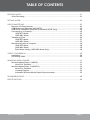
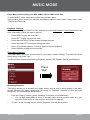
MUSIC MODE................................................................................................................................. 17
Browsing Your Music Library..................................................................................................17
Play All............................................................................................................................17
Playlists...........................................................................................................................17
Music Playback Controls........................................................................................................17
QUICK PLAY................................................................................................................................... 18
Quick Play Controls................................................................................................................18
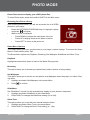
PHOTO MODE................................................................................................................................ 19
Browsing Your Photo Library..................................................................................................19
Displaying Your Photos as a Slideshow.........................................................................19
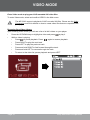
VIDEO MODE................................................................................................................................. 20
Browsing Your Video Library .................................................................................................20
Page Coby Electronics Corporation