1
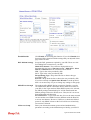
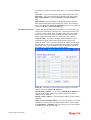
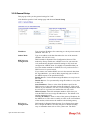
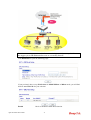
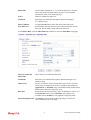
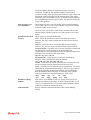
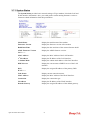
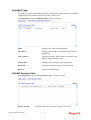
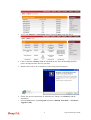
Name
Displays the name set in WAN1/WAN web page.
Mode
Displays the type of WAN connection (e.g., PPPoE).
Up Time
Displays the total uptime of the interface.
IP
Displays the IP address of the WAN interface.
GW IP
Displays the IP address of the default gateway.
TX Packets
Displays the total transmitted packets at the WAN interface.
TX Rate
Displays the speed of transmitted octets at the WAN interface.
RX Packets
Displays the total number of received packets at the WAN
interface.
RX Rate
Displays the speed of received octets at the WAN interface.
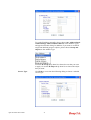
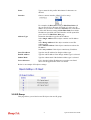
Note: The words in green mean that the WAN connection of that interface (WAN1) is
ready for accessing Internet; the words in red mean that the WAN connection of that
interface (WAN1) is not ready for accessing Internet.
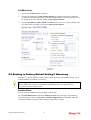
2.5 Saving Configuration
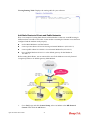
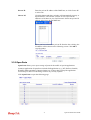
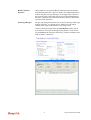
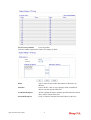
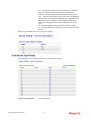
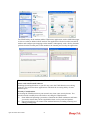
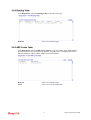
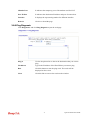
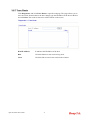
Each time you click OK on the web page for saving the configuration, you can find
messages showing the system interaction with you.
Ready indicates the system is ready for you to input settings.
Settings Saved means your settings are saved once you click Finish or OK button.
Vigor120 Series User’s Guide
14