1
Configuring Network Settings
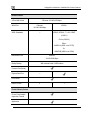
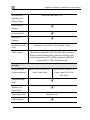
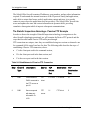
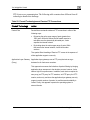
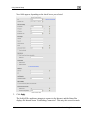
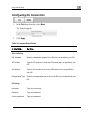
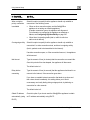
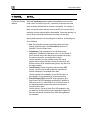
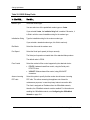
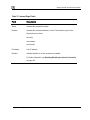
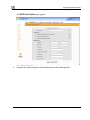
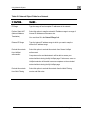
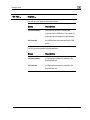
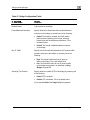
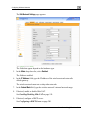
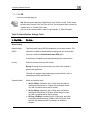
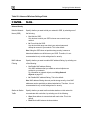
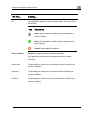
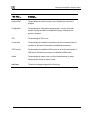
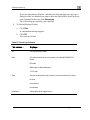
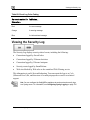
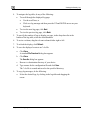
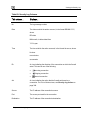
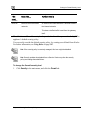
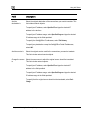
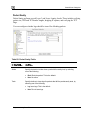
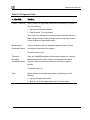
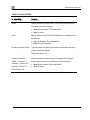
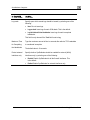
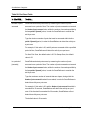
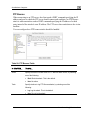
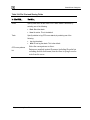
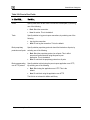
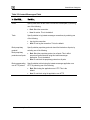
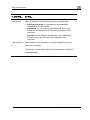
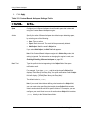
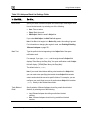
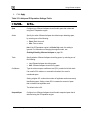
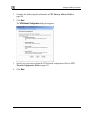
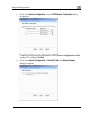
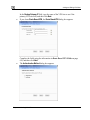
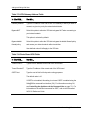
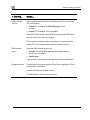
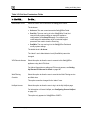
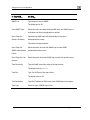
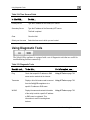
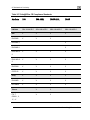
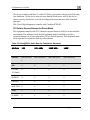
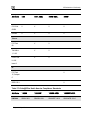
Table 38: DHCP Server Options Fields
In this field…
Do this…
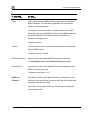
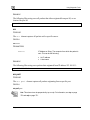
Domain Name
Type a default domain suffix that should be passed to DHCP clients.
The DHCP client will automatically append the domain suffix for the
resolving of non-fully qualified names. For example, if the domain suffix
is set to "mydomain.com", and the client tries to resolve the name
“mail”, the suffix will be automatically appended to the name, resulting
in “mail.mydomain.com”.
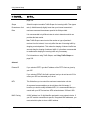
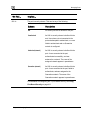
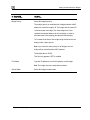
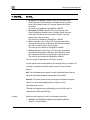
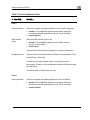
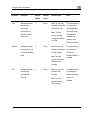
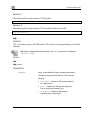
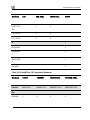
Name Servers
Automatically assign
Clear this option if you do not want the gateway to act as a DNS relay
DNS server
server and pass its own IP address to DHCP clients.
(recommended)
Normally, it is recommended to leave this option selected.
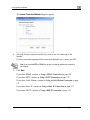
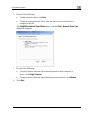
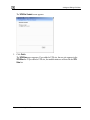
The DNS Server 1 and DNS Server 2 fields appear.
DNS Server 1, 2
Type the IP addresses of the Primary and Secondary DNS servers to
pass to DHCP clients instead of the gateway.
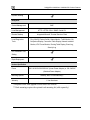
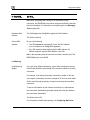
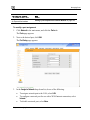
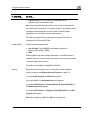
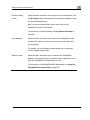
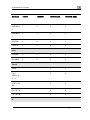
Automatically assign
Clear this option if you do not want DHCP clients to be assigned the
WINS server
same WINS servers as specified by the Internet connection
configuration (in the Internet Setup page).
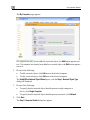
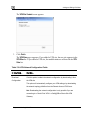
The WINS Server 1 and WINS Server 2 fields appear.
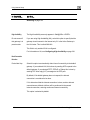
WINS Server 1, 2
Type the IP addresses of the Primary and Secondary WINS servers to
use instead of the gateway.
Chapter 6: Managing Your Network
209