1
Contents
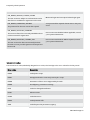
About O&O DiskImage 5
1
Features at a glance
1
Differences between the three Editions
4
Additional properties of the Workstation and Server Editions
5
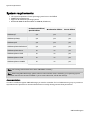
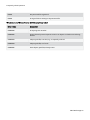
System requirements
6
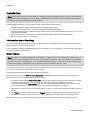
Installation
7
Information about licensing
7
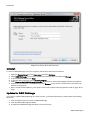
Enter license
7
Uninstall
8
Updates for O&O DiskImage
8
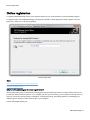
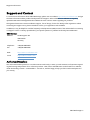
Online registration
10
What are the advantages of online registration?
10
How do I register online?
11
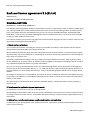
General Terms and Definitions
12
Drive/Partition
12
Image
12
Image file
12
Complete image
12
Differentiation: Image of the changes
12
Differential images
13
Incremental images
13
Base image
13
Getting started
14
One-click imaging - Create an image of the entire computer
14
Differential/incremental imaging
15
Restore drives
16
Advanced features
17
Image individual drives
18
O&O DiskImage-II