1
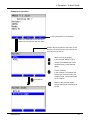
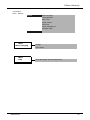
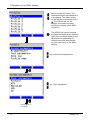
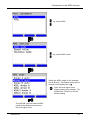
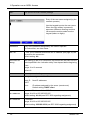
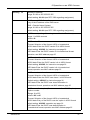
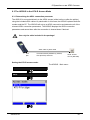
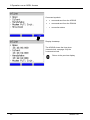
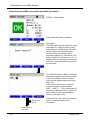
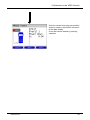
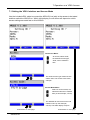
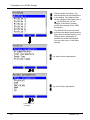
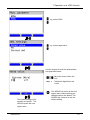
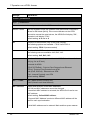
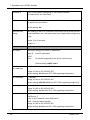
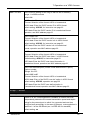
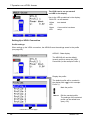
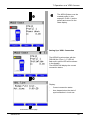
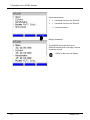
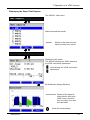
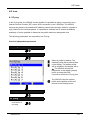
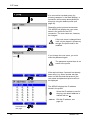
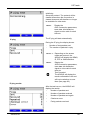
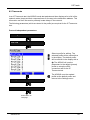
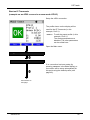
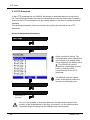
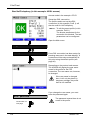
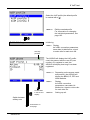
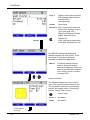
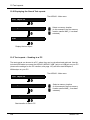
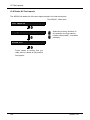
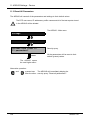
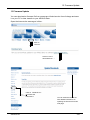
10 Test reports 10.4 Deleting Test reports Test reports The ARGUS - Main menu 1 AMP_1 Delete 1 empty Select a memory location (In this example, the first memory location named AMP_1 has been selected). Delete the test report stored in the selected memory location. The memory location will again be marked as "empty". For information on how to delete all test reports, see on page 126 “Reset All Parameters”. 10.5 Send All Test reports to a PC The ARGUS sends all of the saved test reports to the PC. Connect the ARGUS to your PC and start WINplus or WINanalyse on the PC. Test reports The ARGUS - Main menu 1 AMP_1 All tests to PC Start transfer of data to PC ARGUS 141 Select a memory location (In this example, the first memory location named AMP_1 has been selected). 121