1
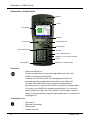
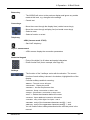
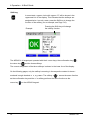
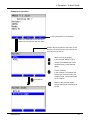
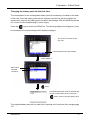
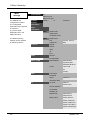
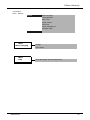
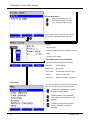
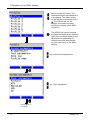
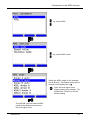
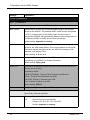
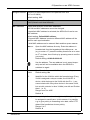
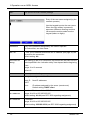
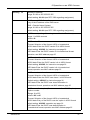
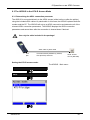
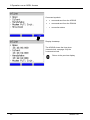
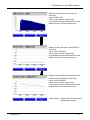
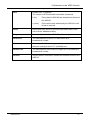
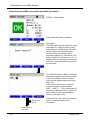
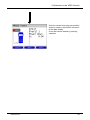
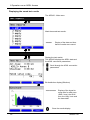
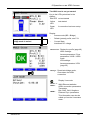
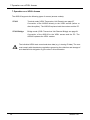
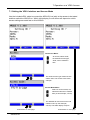
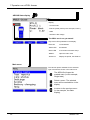
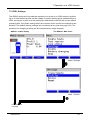
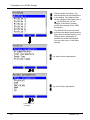
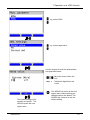
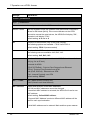
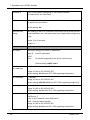
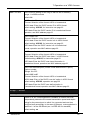
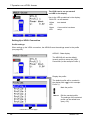
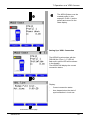
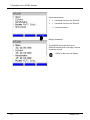
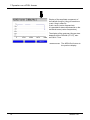
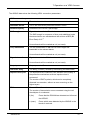
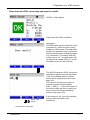
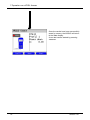
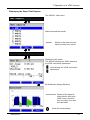
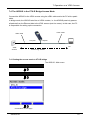
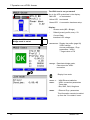
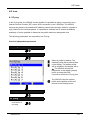
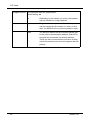
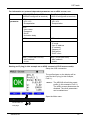
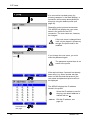
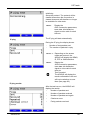
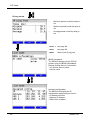
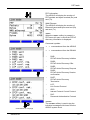
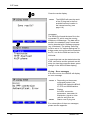
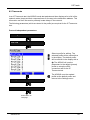
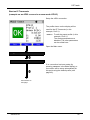
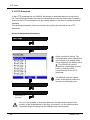
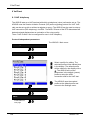
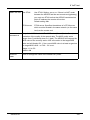
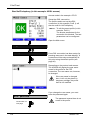
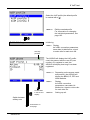
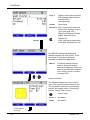
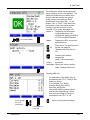
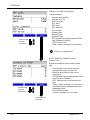
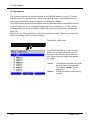
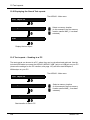
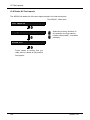
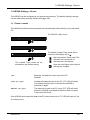
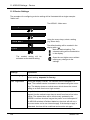
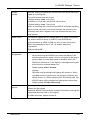
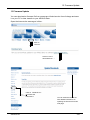
11 ARGUS Settings - Device 11 ARGUS Settings - Device The ARGUS can be configured to suit special requirements. The default (factory) settings can be restored by selecting "Reset“(see page 126). 11.1 Trace / remote The ARGUS remains active and passes the recorded data online directly to the connected PC. Settings Trace / remote Off The marked Trace mode will be The ARGUS - Main menu The default (preset) Trace mode will be marked in the display with a . Mark the desired Trace mode The selected Trace mode will be marked blue in the display. activated as the default setting. Open the next higher menu without making any changes. Off Basically, the data will not be sent to the PC. Defaults Auto PC sync. All data will always be sent to the PC (“PC” LED will flash). This setting remains active even after the ARGUS is switched on again. Manual PC sync. The data will be sent to the PC once (“PC” LED will flash). When the ARGUS is switched off and then back on again, Trace mode will be off. If the ARGUS cannot send the data to the PC without errors, the “PC” LED will flash at 5 Hz (5 times per sec). ARGUS 141 123