1
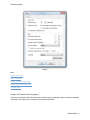
Advanced settings
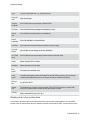
Options
More:
Display Sub-charts
Select chart type
Display smaller files and folders
Select number of folders in a chart
Set chart colors
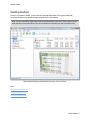
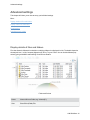
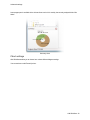
Display Sub-Charts (Chart Navigation)
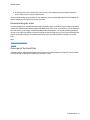
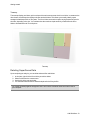
The charts are interactive. By double clicking on a certain area you can display a chart to maximize readability
of the chart. This enables you to navigate to the smallest of Subfolders.
O&O DiskStat - 17