1
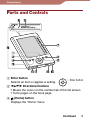
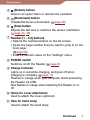
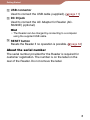
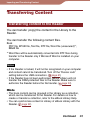
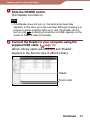
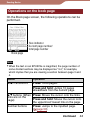
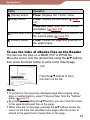
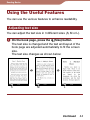
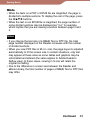
Getting Started (Return) button Goes to an upper menu or cancels the operation. (Bookmark) button Creates/Removes a bookmark. ( page 46) (Size) button Adjusts the text size or switches the screen orientation. ( page 44, 49) Number (1 – 9,0) buttons •Selects the numbered items on the list screen. •Inputs the page number that you want to jump to on the book page. ( page 50) •Enters a numeric value on the “Settings” menu. POWER switch Switches on/off the Reader. ( page 9) Charge indicator Lights up in red while charging, and goes off when charging is complete. ( page 11) Flashes in orange when your computer starts accessing the Reader via USB. Also flashes in orange when switching the Reader on or off. Holes for cover attachment Used to attach the cover (optional). Hole for hand strap Used to attach the hand strap. Continued