1
Printer Operation
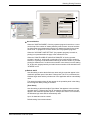
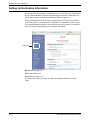
Compress Options
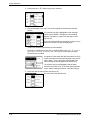
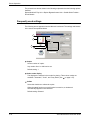
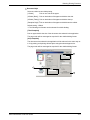
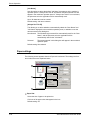
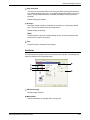
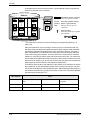
Select the [Job Compression] and [Bitmap Compression] options here. Using
these options allow for smaller file sizes going across the network, thus reducing
bandwith drain.
[Job Compression]
Use this option to compress the entire job.
Default setting: Medium
[Bitmap Compression]
Use this option to compress bitmap images without compressing the entire job.
Bitmap compression is similar to JPEG and/or G3/G4 (Fax) compression.
Default setting: Very High Quality
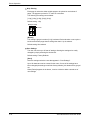
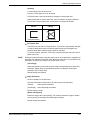
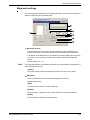
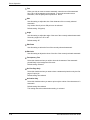
Overlays
See the explanation for “Overlays” on page 3-32
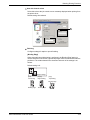
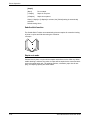
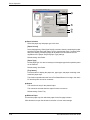
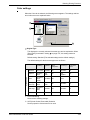
Font
See the explantion for “Font” on page 3-31.
3-32
Xerox WorkCentre C226 User Guide