1
2. Hardware Installation
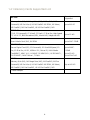
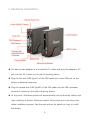
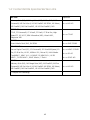
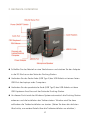
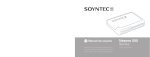
Connect power adapter to a household AC outlet and plug the adapter’s DC
jack into the DC socket on the side of docking station.
Plug the flat end (USB Type A) of the USB cable into a free USB port on the
laptop or desktop computer.
Plug the square end (USB Type B) of the USB cable into the USB upstream
connector located on the side of docking station.
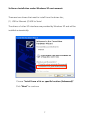
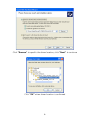
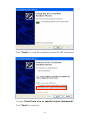
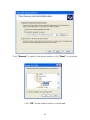
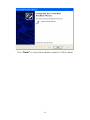
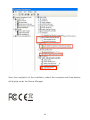
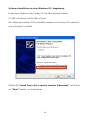
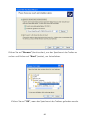
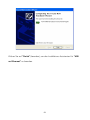
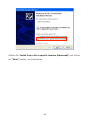
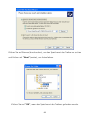
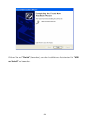
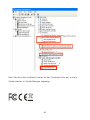
At this point, Windows system will automatically find the docking station and
start installing its drivers. Windows system will prompt you to act along the
driver installation process. See the next section for details on how to install
the drivers.
5