1
Type Adjust (Creating custom paper type)
The following describes the procedure used to set a user-defined paper
type for the printer. Eight custom user settings may be registered. After
having been set, any of these may be called up when setting the paper
type for a paper source.
The paper weight and duplex path can be set (refer to Paper Weight
(Setting the paper weight) on page 2-38, and Duplex Path (Setting the
duplex path) on page 2-38) after selecting the paper type to be
customized as follows. For how to reset the customized settings, refer to
Reset Type Adjust (Resetting the custom paper type) on page 2-38.
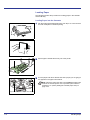
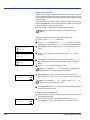
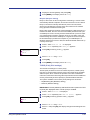
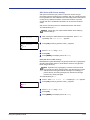
>Type Adjust
? PLAIN
>
1
2
3
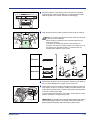
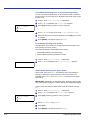
Press Z while Paper Settings > is displayed.
4
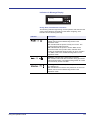
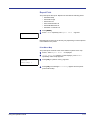
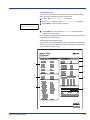
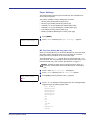
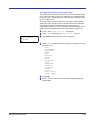
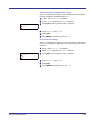
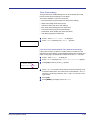
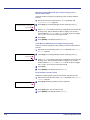
Press U or V to display the desired paper type. The display changes
as shown below.
Press U or V repeatedly until >Type Adjust > appears.
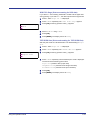
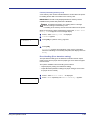
Press [OK]. A blinking question mark (?) appears.
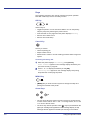
PLAIN
TRANSPARENCY
PREPRINTED
LABELS
BOND
RECYCLED
VELLUM
ROUGH
LETTERHEAD
COLOR
PREPUNCHED
ENVELOPE
CARDSTOCK
COATED
THICK
HIGH QUALITY
CUSTOM 1 (to 8)
5
6
Using the Operation Panel
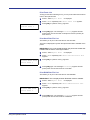
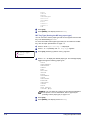
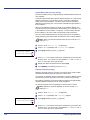
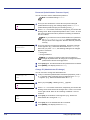
Press [OK].
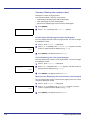
Press Z and proceed to the next step Paper Weight (Setting the
paper weight).
2-37