1
DMC-GH1KEB-VQT2A73_eng.book 79 ページ
2009年4月14日 火曜日 午後4時50分
Advanced (Recording pictures)
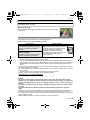
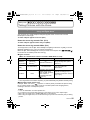
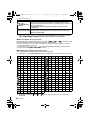
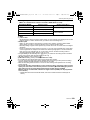
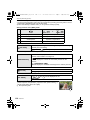
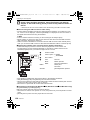
• AF Tracking will not operate when it has failed to AF track. AF mode will be switched to [Ø] in
that case.
• [FACE RECOG.] does not work when AF tracking is active.
•[
] will operate as [Ø] in the [STANDARD] (
), [DYNAMIC] (
) or [SMOOTH]
(
) in film mode.
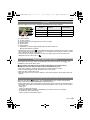
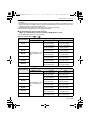
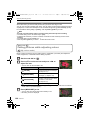
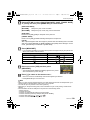
• Dynamic tracking function may not work in the following cases:
– When the subject is too small
– When the recording location is too dark or bright
– When the subject is moving too fast
– When the background has the same or similar colour to the subject.
– When jitter is occurring
– When zoom is operated
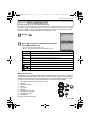
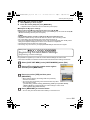
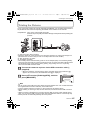
Setting the AF area
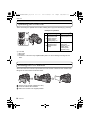
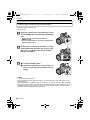
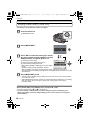
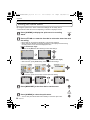
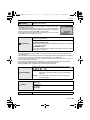
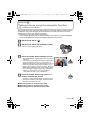
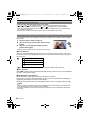
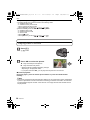
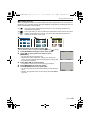
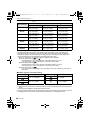
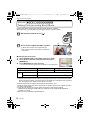
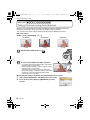
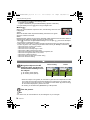
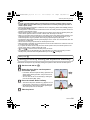
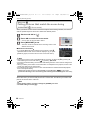
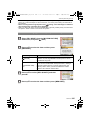
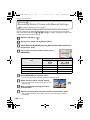
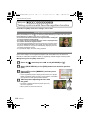
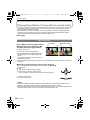
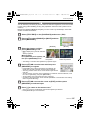
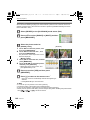
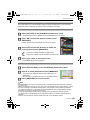
AF area can be moved when [Ø] is selected. The size of AF area can also be changed.
• You can also set from the quick menu. (P32)
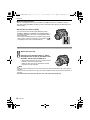
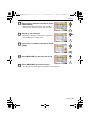
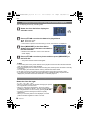
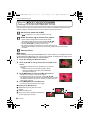
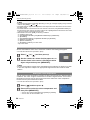
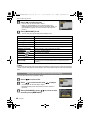
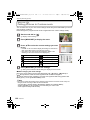
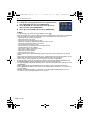
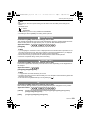
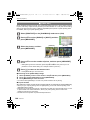
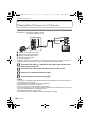
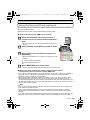
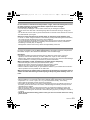
Select [Ø] and then press 4.
• AF area setting screen is displayed. It will return to previous
screen by pressing [DISPLAY].
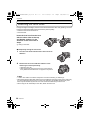
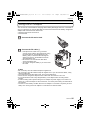
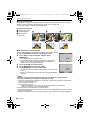
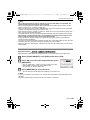
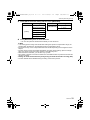
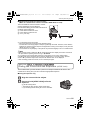
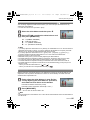
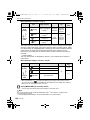
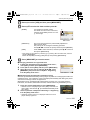
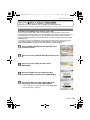
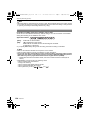
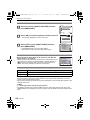
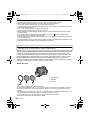
Press 3/4/2/1 to move the AF area.
• You can set to arbitrary position of the screen. (It cannot be set
to edge of the screen)
• The AF area returns to the centre when [‚] is pressed.
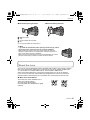
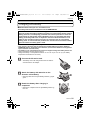
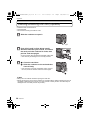
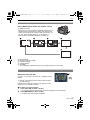
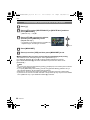
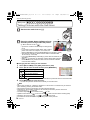
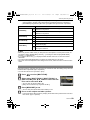
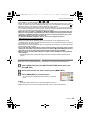
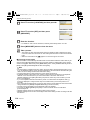
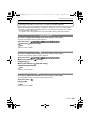
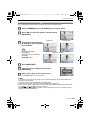
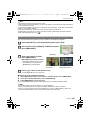
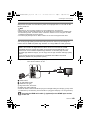
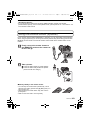
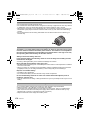
Rotate the front dial to change the size of AF area.
A
Front dial clockwise: Enlarge
Front dial counter clockwise: Shrink
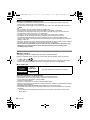
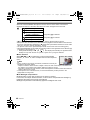
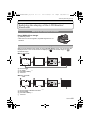
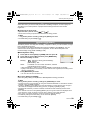
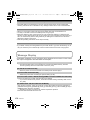
• It can be changed to 4 different sizes of “spot” A, “normal” B,
“large” C, and “extra large” D.
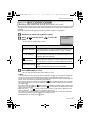
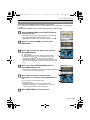
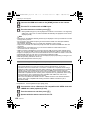
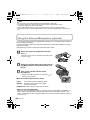
Press [MENU/SET] to set.
BC D
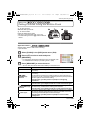
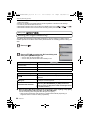
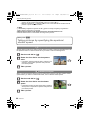
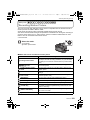
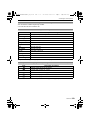
∫ Move the AF area easily while taking pictures
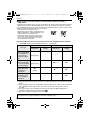
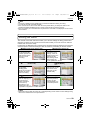
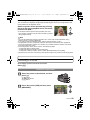
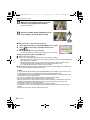
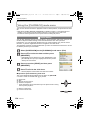
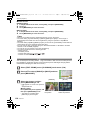
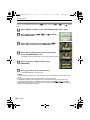
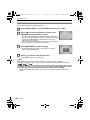
When the [DIRECT AF AREA] (P128) in the [CUSTOM MENU] menu is set to [ON] while
[Ø] is selected, it is possible to move the AF area directly with 3/4/2/1.
It is also possible to change the size of AF area by rotating the front dial in the screen to
set the position.
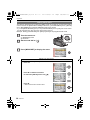
• [SENSITIVITY] (P86), [Fn BUTTON SET] (P33), [AF MODE] (P77), or [WHITE BALANCE]
(P83) cannot be set with 3/4/2/1. Make the setting with the quick menu (P32).
Note
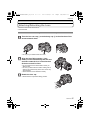
• The spot metering target can also be moved to match the AF area when using [Ù]. (P119)
• Set the size of AF area to “normal”, “large”, or “extra large” when it is hard to focus using the
“spot”.
• The [DIRECT AF AREA] will be fixed to [OFF] when advanced scene mode, scene mode, or
My colour mode is selected.
• [DIRECT AF AREA] is disabled during motion picture recording.
VQT2A73
79