1
DMC-GH1KEB-VQT2A73_eng.book 62 ページ
2009年4月14日 火曜日 午後4時50分
Advanced (Recording pictures)
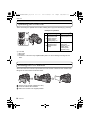
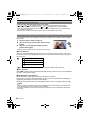
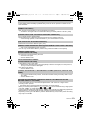
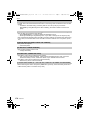
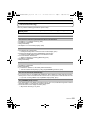
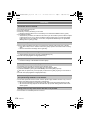
Viewfinder display
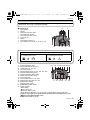
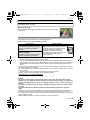
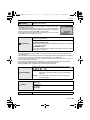
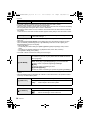
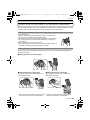
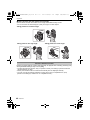
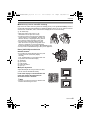
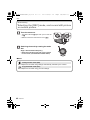
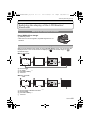
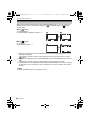
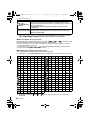
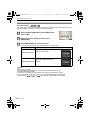
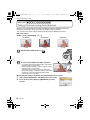
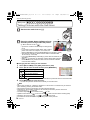
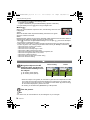
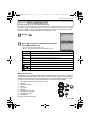
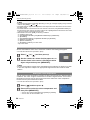
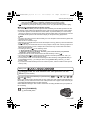
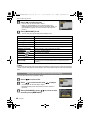
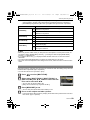
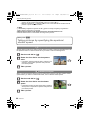
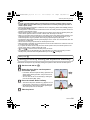
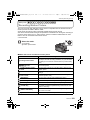
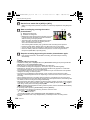
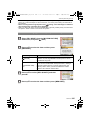
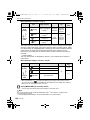
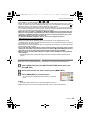
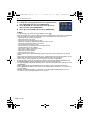
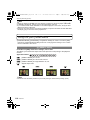
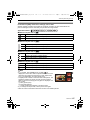
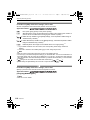
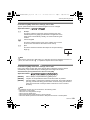
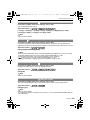
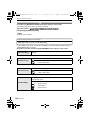
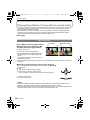
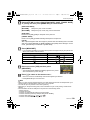
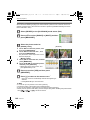
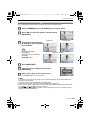
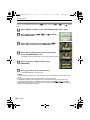
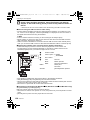
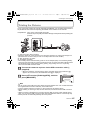
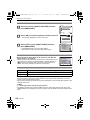
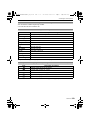
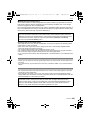
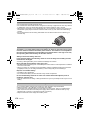
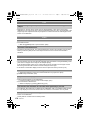
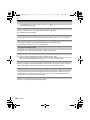
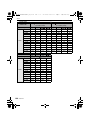
With the [LVF DISP.STYLE] (P126) of the [CUSTOM MENU] menu, you can choose the
displayed screen on the viewfinder to display in [
] (viewfinder style) or [
] (LCD
monitor style).
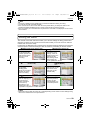
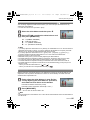
When [
] is set
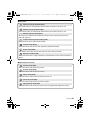
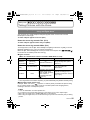
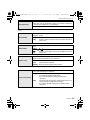
A Normal display¢1
B Normal displayidetailed information¢1, 2
STD
P
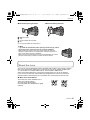
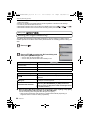
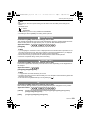
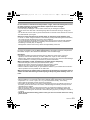
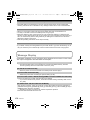
When [
−3
0
+3
9 9
AUTO AWB
P
−3
0
+3
9 9
AUTO AWB
−3
0
+3
AUTO AWB 9
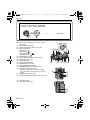
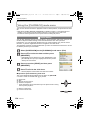
] is set
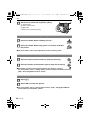
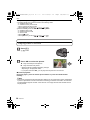
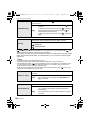
C No display¢1
D Detailed information¢1, 2
STD
P
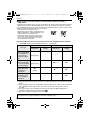
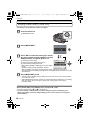
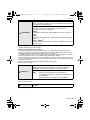
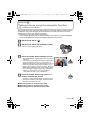
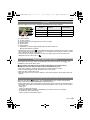
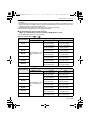
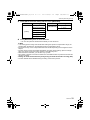
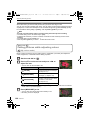
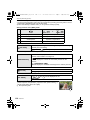
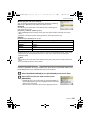
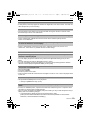
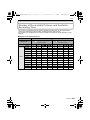
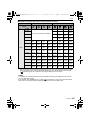
¢1 Guide lines are displayed when the [GUIDE LINE] of the [CUSTOM MENU] menu is set to
anything except [OFF].
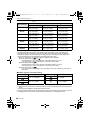
It is possible to move the position of the guide line using the quick menu when it is set to
[
]. (P63)
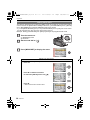
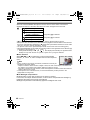
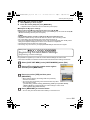
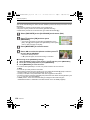
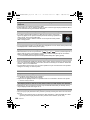
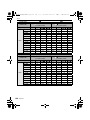
¢2 Histograms are displayed when the [HISTOGRAM] of the [CUSTOM MENU] menu is set to
[ON].
It is possible to move the position of the histogram using the quick menu. (P64)
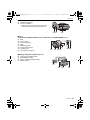
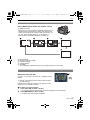
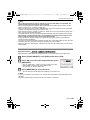
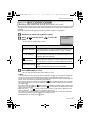
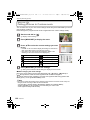
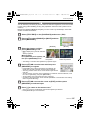
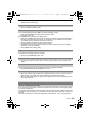
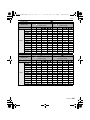
¢3 It is displayed when the [LCD INFO.DISP.] of the [CUSTOM MENU] menu is set to anything
except [OFF]. Colour of the screen can be selected from 3 colours of brown, red or black.
(P126)
Note
• In [NIGHT PORTRAIT] (P97), the guide line is grey.
62
VQT2A73