1
VIVOTEK
Recording
Advanced Mode
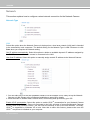
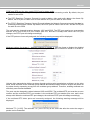
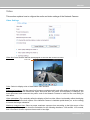
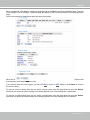
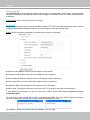
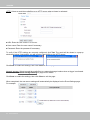
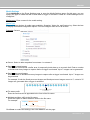
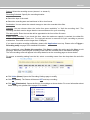
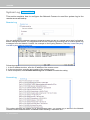
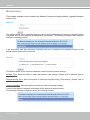
This section explains how to configure the recording settings for the Network Camera.
Recording Settings
NOTE
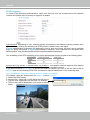
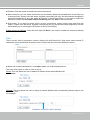
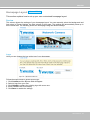
► Before setting up this page, please set up the Network Storage on the Server Settings page first.
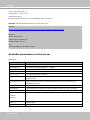
Network Storage Setting
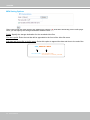
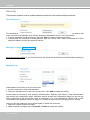
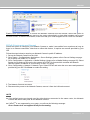
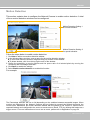
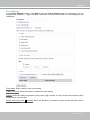
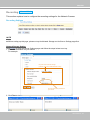
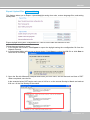
Click Server to open the Server Settings page and follow the steps below to set up:
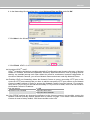
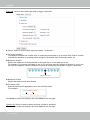
1. Fill in the information for your server.
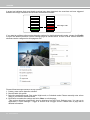
For example:
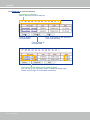
3
the path of the network storage
(\\server name or IP address\folder name)
1
2
4
the user name and password of
your server
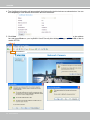
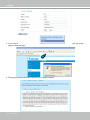
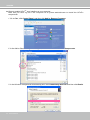
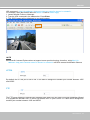
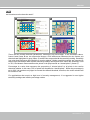
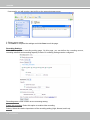
2. Click Test to check the setting. The result will be shown in the pop-up window.
User's Manual - 69