1
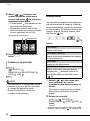
Photos
4
5
Return (
) to the index screen.
Select (
,
) a photo.
• Move the orange selection frame
to the photo you want to view.
• Push the joystick (
) to extend
the selection frame and browse
(
) through whole index pages.
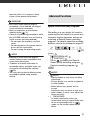
Push the joystick (
) to return to
the index screen.
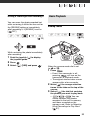
1
Push the joystick (
the joystick guide.
2
Select (
)
Select (
)[
PHOTOS] or [
PHOTOS].
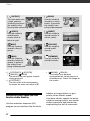
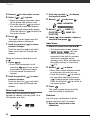
Jump (
) the number of photos
selected and press
.
4
7
Push the joystick (
) to move
between images.
Push the joystick (
) and hold it
down to run quickly through the
photos.
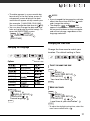
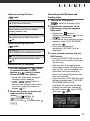
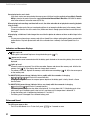
Index Screen
Push the joystick (
) to move
between photos.
Push the joystick (
) and hold it
down to run quickly through the
photos.
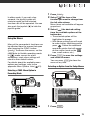
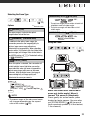
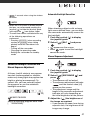
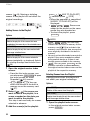
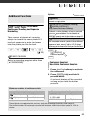
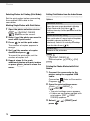
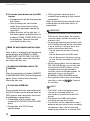
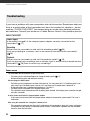
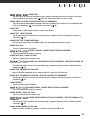
Photo Jump Function
When you have recorded a large
number of photos, you can jump 10 or
100 photos at a time.
60
.
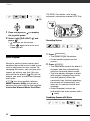
3
Press
.
The index screen closes and the
selected photo is displayed.
2
and press
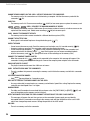
JUMP 10 PHOTOS
6
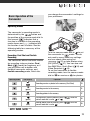
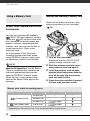
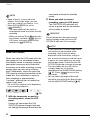
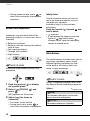
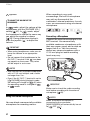
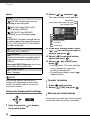
When the camera mode dial is set
to :
1 Press
.
• Even if the camcorder is off,
pressing
will turn on the
camcorder in playback mode.
• The last photo recorded will
appear.
) to display
JUMP 10
JUMP 100
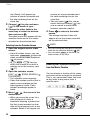
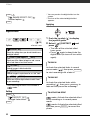
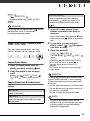
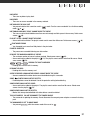
1
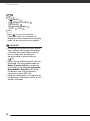
Move the zoom lever toward W.
• The photo index screen appears.
•
/
/
You can
switch between the photos
recorded in the built-in memory
and those recorded on the
memory card. Refer to Selecting
What Recordings to Play Back
(
37).
2
Select (
,
) a photo.
• Move the orange selection frame
to the photo you want to view.
• Push the joystick (
) to extend
the selection frame and browse
(
) through whole index pages.
Push the joystick (
) to return to
the index screen.
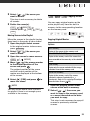
3
Press
.
The index screen closes and the
selected photo is displayed.
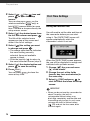
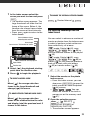
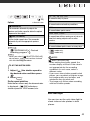
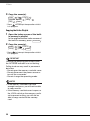
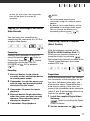
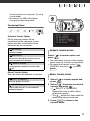
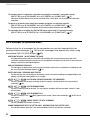
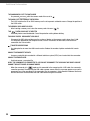
Slideshow
You can play a slideshow of all the
photos and even set it to music.
1 Select the first photo of the
slideshow.