1
Playback
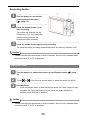
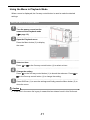
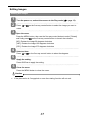
Playing Back Images
1
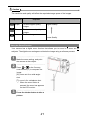
Turn the power on, and set the camera to the Playback mode (
page
13).
The latest recorded image appears on the LCD display. If there are no images
stored, a message [No file] appears.
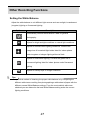
2
Pressing
or
on the five-way control button displays the previous or next
image.
: displays the previous image.
: displays the next image.
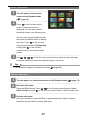
Playing Back Movie Clips
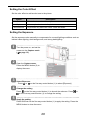
1
Turn the power on and set the camera to the Playback mode (
page
13).
2
3
Press
or
on the five-way control button to select a movie clip that you
want to play back.
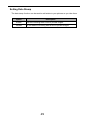
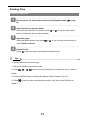
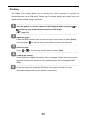
Start playing back.
Press the shutter button to start playing the movie clip. Press the shutter button
again to stop the movie clip, or press OK/Enter to pause it. When the movie is
paused, press the five-way control button again to resume.
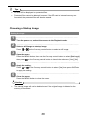
Caution
•
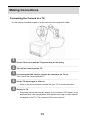
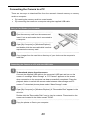
Please note that this camera has no built-in speaker. Sound is only available when
connecting with TV or PC to playback.
30