1
DSCP mode QoS:
The DSCP mode QoS gives packet priority by the precedent types attaching on the
incoming packets.
The types of precedence:
000 - Routine
001 - Priority
010 - Immediate
011 - Flash
100 - Flash Override
101 - CRITIC/ECP
110 - Internetwork Control
111 - Network Control
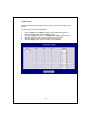
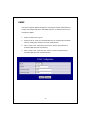
To configure DSCP Based QoS configuration:
1.
2.
3.
4.
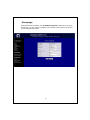
Select “DSCP” in the “Mode” column for those ports that are going to perform
DSCP-based QoS. Click the “Apply” button.
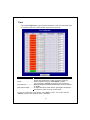
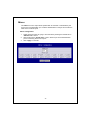
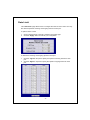
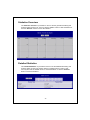
Click the “DSCP priority” button. The “DSCP Priority Setting” page shows
up.
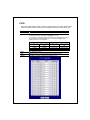
Give the priorities as high or low for each DSCP information types.
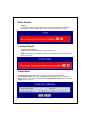
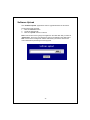
Click the “Apply” button again to execute your configuration.
21