1
User’s Guide
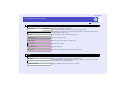
Features of the Projector
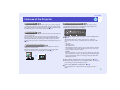
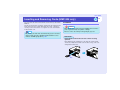
Direct Power On
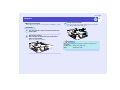
You can make the projector turn on and be ready to project images simply by
connecting the power cable. You can also turn the power on for projectors in
places such as meeting rooms where the power is centrally controlled, simply
by turning the power on at the central control point. sp.84
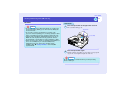
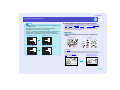
Direct Power Off
After turning the projector off, you can disconnect the power cable right away
to move the projector.
You can also turn the power on to restart the projector immediately after
turning it off. Also, you can turn the power straight off without pressing the
[Power] button. This lets you turn the power off when the projector is in a
meeting room and you operate a breaker switch to centrally turn off the power.
sp.43
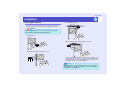
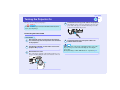
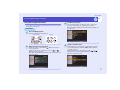
Easy Quick Start Operation (1)
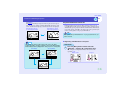
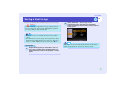
When projection starts, automatic focus operates straight away so that the
images are correctly focused.
The keystone distortion that occurs as result of the projector being tilted
upward or downward can be automatically corrected. sp.34
1
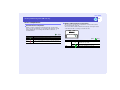
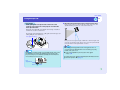
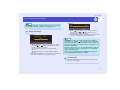
Easy Quick Start Operation (2)
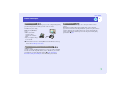
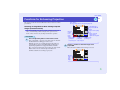
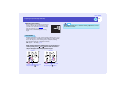
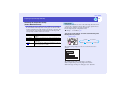
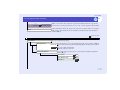
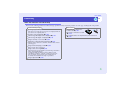
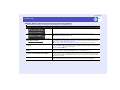
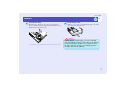
The following easy setup buttons are located at the top of the projector's
control panel. Projected images can be quickly and easily adjusted to the
optimum images just by pressing these buttons.
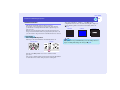
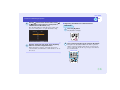
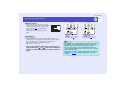
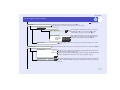
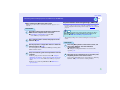
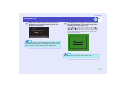
Quick Setup - Optimising the Projection Screen at a Single Touch sp.40
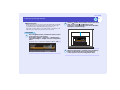
The following functions are carried out all at once to optimise the
projection area. You can also set which functions are carried out at this
time.
• Auto focus
Adjusts the focus.
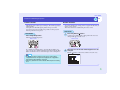
• Auto Quick Corner
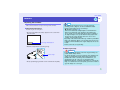
This adjusts distorted images that are projected from the side so that they
are rectangular (4:3 aspect ratio). If using a projection screen (4:3), the
images can fit the screen area exactly.
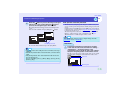
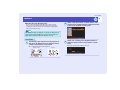
• Wall Shot
Even if you don't have a screen, you can project images onto some other
surfaces without loss of image color. The projector automatically adjusts
images to their natural colours even when projecting onto surfaces like
blackboards and walls.
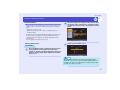
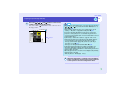
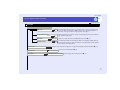
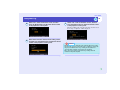
Source Search - Easy Selection of Projection Images - sp.35
This detects image signals from connected equipment. You can change the
projected images each time the button is pressed.
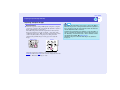
Zoom - Easy Adjustment of Image Size - sp.40
You can adjust the size of the projected images simply by pressing a
button.