1
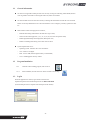
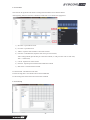
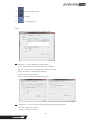
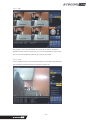
Output : the directory in which the data is backed up
Camera : select cameras you want to back up
Type : file type when it is backed up
Both can be selected one time, but the back up time will be longer.
Progress : the back up status.
Make : Click MAKE icon to start backup
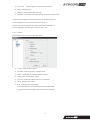
PS to AVU : it is used to convert backup file form PS to AVI format.
PS file : Click the right side of bar, the directory you save data in will pop up.
AVI path : the directory in which the converted AVI file is backed up
Cameras : please select the cameras you want to change file type to AVI.
Make : Order to start change file.
14)
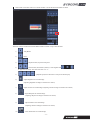
: Go back to Live mode
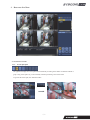
2-1-3-4. Remote set up
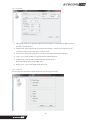
The function is used to change the setup of remote DVR.
The different window will pop up according to HD SDI DVR, Analogue DVR.
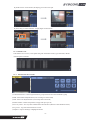
2-1-3-5. Tow way Audio
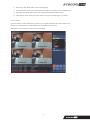
Two-way audio communication thru NetClient. (Between DVR site and PC)
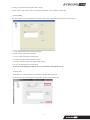
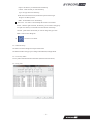
2-1-3-6. Log view
- 13 -