1
INT100 User Manual
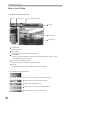
How to Use INT100
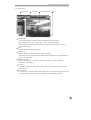
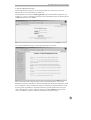
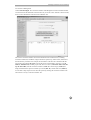
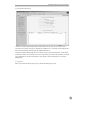
1. INTBase100 (INT100 Browser)
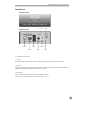
Power
System Status
Screen Enlargement/Shrink
Title Bar
Camera Screen
Utility Buttons
Power Button
- Quits the program.
System Status
- Displays the current date/time and alarm status.
Utility Buttons
- Selects a camera and functions, including connection/disconnection, audio on/off,
image adjustment, and PTZ control.
Screen Enlargement/Shrink Button
- Selects a screen size (640x480, 320x240, 160x120).
Title Bar
- Displays the title of the location where the INT100 is installed.
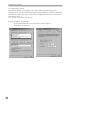
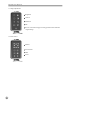
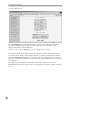
1.1 System Status and Utility Buttons
The warning lamp turns orange if a sensor is activated or motion is detected.
Toggles between connection/disconnection.
Toggles the audio-output on/off.
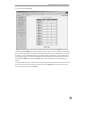
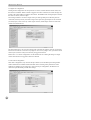
Opens/closes the window for image adjustment.
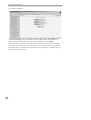
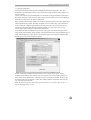
Opens/closes the window for PTZ control.
12