1
Introducing Deployment Solution
Components of Deployment Solution
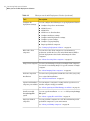
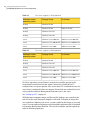
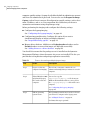
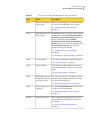
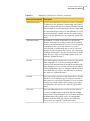
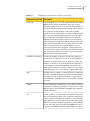
Table 1-1
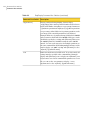
Deployment Solution components (continued)
Component
Description
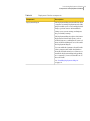
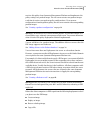
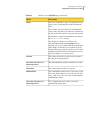
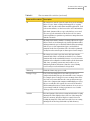
Automation folder
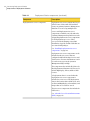
Automation folder stores the preboot
environment. With the help of the preboot
environment (WinPE and Linux PE) the
client computers are rebooted to the
automation environment. The, PXE server
and automation folder can be used to reboot
the client computer to the automation
environment to perform deployment tasks.
See “Installing an automation folder”
on page 28.
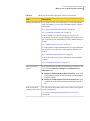
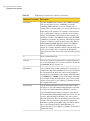
The preboot environment (WinPE) contains
the Boot.wim file. This file is used to
execute Deployment tasks.
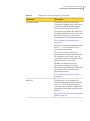
To reboot the client computer to an
automation environment, the DNS should
be configured on the network. Also, all
computers in the network should be able to
perform a Name Server Lookup.
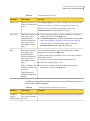
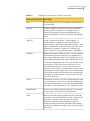
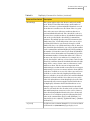
WinPE 2.1 and Linux are the only
automation operating systems that
Deployment Solution supports. Both preboot
operating systems are installed with
Deployment Solution.
See “Setting up Deployment Solution ”
on page 24.
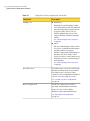
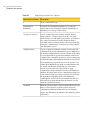
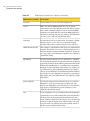
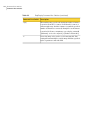
PXE server
The PXE server can be configured on
Symantec Management Platform and the
site server. This configuration helps to
reboot the client computers to WinPE and
Linux PE environments using the network
interface.
See “About Pre-boot eXecution Environment
(PXE)” on page 58.
15