1
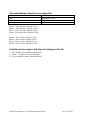
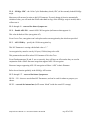
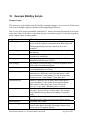
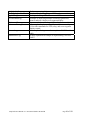
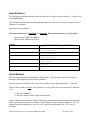
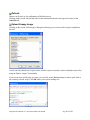
Rename Node
The default “logical name” for a node with no name provided by the user, and no scripts loaded is
“Node” (for the first one found) or “NodeX” (for subsequent nodes), where “X” is a number (starting
at 2) that represents the order in which Portal discovered the nodes.
Once a script has been uploaded into a Node, the default name becomes “scriptname” (for the first
node found) or “scriptnameX” (for subsequent nodes), but this new default will not override a name
already assigned by Portal.
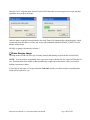
The Rename Node action allows you to choose your own name for a node, instead of using the default
name assigned by Portal. Starting with version 2.1, this “given name” is stored in the node itself, and
will automatically be re-used by Portal (instead of “Node” or the “scriptname”) if Portal re-discovers
the node in the future.
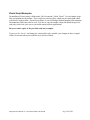
Remove Node
Clicking on this action will remove the node from Portal, including removing the node from the Node
Views.
However, be aware that if the node really does still exist, it will simply be re-discovered by Portal on
the next broadcast ping.
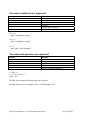
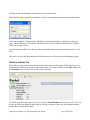
Reboot Node
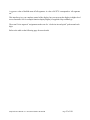
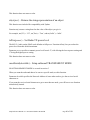
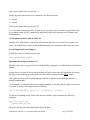
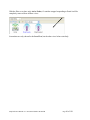
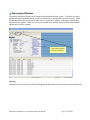
Clicking on this action will bring up the following prompt.
If you really do want to reboot (restart) the node, press Yes, otherwise press No.
Snap Reference Manual-v1.1 Document Number 600-0007B
Page 103 of 126