1
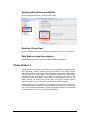
Enabling Photo Station 3
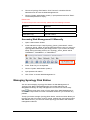
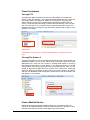
Go to the “Applications > Web Services” page.
Photo Station 3’s detail description
Please click on “Read Tutorial” link next to “Enable Photo Station 3”.
Surveillance Station 3
By using "Surveillance Station 3", you can monitor the live image of various IP
cameras attached on the network, customize video recording options, and
choose among Continuous Recording, Motion Detection Recording, and Alarm
Recording modes. When playing back the recording events, you can fast
forward, slow down, or play up to 4 channels simultaneously. Both M-JPEG
video format and MPEG4 format are supported; based on the IP camera’s ability,
megapixel video live-view and recording can also be supported. If you record the
event with MPEG4 format and the camera supports audio recording function,
both sounds and images will be recorded when the system is recording an event.
Centralized management allows you to monitor the live-view of IP cameras
installed on multiple Disk Stations. SMS notification sends you a notification
message when the events you have selected occur.
The supported camera number varies from different models for the best
performance. For the supported camera number, please refer to the
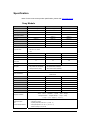
product specification table.
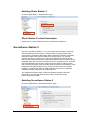
Enabling Surveillance Station 3
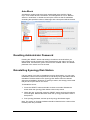
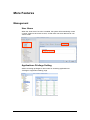
Go to the "Applications > Surveillance Station" page.
55