1
4 Remote deployment
4.7
Multiple installation (multi-deployment) of
PRIMERGY servers
The Installation Manager allows you to remotely install server systems
simultaneously.
To do this, follow the steps below:
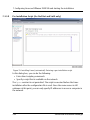
1. Start deployment for a target system.
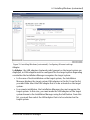
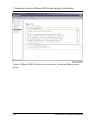
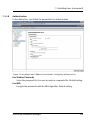
As soon as contact is established with the target system that is to be installed
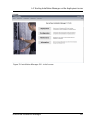
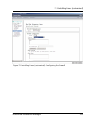
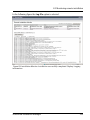
after the installation process has started, the Installation Monitor starts
automatically. This provides information about how the installation is
progressing (see chapter "Installation Monitor - Monitoring remote installation"
on page 245).
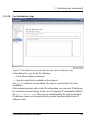
2. Start deployment and installation for another target system.
You can use the same configuration file you used for the target system you have
already started to install for the deployment of this second target system, or you
can use a different configuration file.
The hardware configuration of the two systems must be identical
if you want to use the same configuration file. Installation
Manager uses the mass memory subsystem to check whether this
is the case.
Other hardware parameters, such as RAM, processor type,
graphics and LAN controller (if using dynamic IP address allocation
via DHCP server) do not affect the success of the installation.
These components are dynamically detected during the
installation process and therefore do not need to be identical. A
Remote Management Controller (BMC/iRMC/iRMC S2/S3/S4)
specified in the configuration file does not necessarily have to be
present in the target system, provided that this Remote
Management Controller is not used to trigger the automatic PXE
boot of the target system.
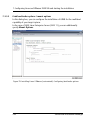
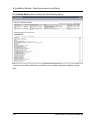
The new remote installation is displayed in the Installation Monitor. You can click
on the entries for the active installations to switch between installations and
check on how each is progressing. The relevant information continues to be
126
ServerView Installation Manager