1
ONLINE SOFTWARE
Network
The network tab is your gateway to viewing your footage online and contains the DVR information you need to
set up online viewing. Since you have already set up your networking viewing, the network menu can be used for
reference purposes. The options and selections in this network menu are the same as the settings on your DVR. For
more networking information see the Networking Guide in this manual.
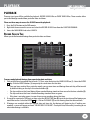
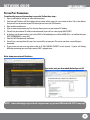
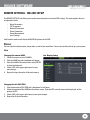
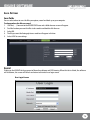
Basic network settings:
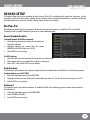
Used as a reference as you have already set these parameters with the DVR. Here you can view the networking type,
ip address and router information.
DDNS
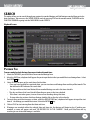
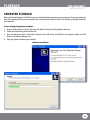
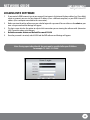
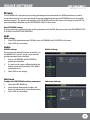
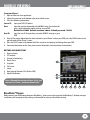
DDNS settings:
1. To set DDNS protection on your DVR feed, enter a username and password in this menu.
2.Select save to save settings.
Mobile
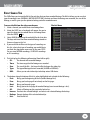
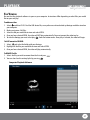
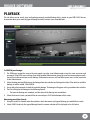
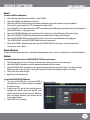
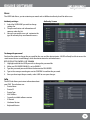
Mobile settings:
You can view your footage from your smartphone. In
the MOBILE menu, you can assign a username and
password to protect your video feed.
1. Enter in a username and password to
protect your video feed.
2. It is necessary to assign a different port for the
mobile stream to be transferred. Port 18004 is
a good port to use.
3. Select save to save settings.
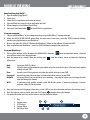
Substream
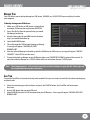
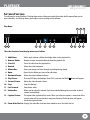
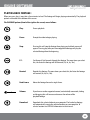
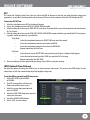
To adjust the substream resolution parameters:
1. Select the Substream tab.
2. Select the drop down menus to adjust the
frame rate, video quality, and resolution values.
3.Select save to save settings.
Mobile Settings
Substream Settings
69