1
2.8
Removing the Top Cover
The top cover and fan door are integrated.
Note – Some field-replaceable units (FRUs) require removal of the top cover.
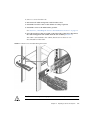
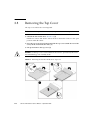
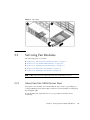
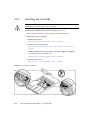
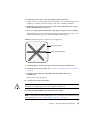
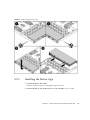
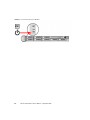
1. Unlatch the fan module door. (FIGURE 2-6) [1]
Pull the two release tabs back to release the door. Rotate the fan door to the open
position and hold it there.
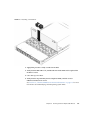
2. Press the top cover release button and slide the top cover toward the rear of the
server, about a half-inch (12.7 mm). [2]
3. Lift up and remove the top cover. [3]
Caution – If the top cover is removed before the server is powered off, the server
will immediately go into Standby mode.
FIGURE 2-6
2-10
Removing the Sun Fire X4140 Server Top Cover
Sun Fire X4140 Server Service Manual • September 2010