1
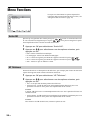
Option
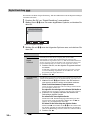
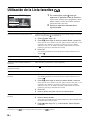
Digital Manual
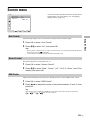
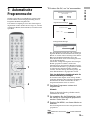
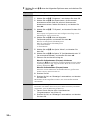
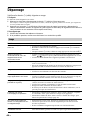
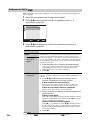
Tuning
Description
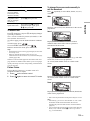
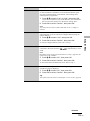
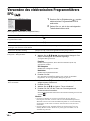
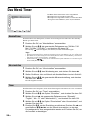
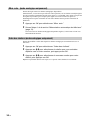
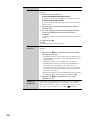
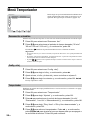
Tunes the digital channels manually.
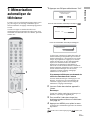
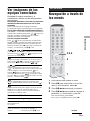
1
2
Press the number button to select the channel number
you want to manually tune, then press m/M to tune the
channel.
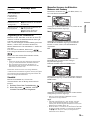
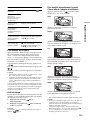
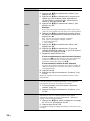
When the available channels are found, press m/M to
select the channel you want to store, then press OK.
To display the previous or next five channels
Press the red button (previous) or the green button (next).
3
Press m/M to select the programme number where
you want to store the new channel, then press OK.
Repeat the procedure above to tune other channels manually.
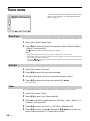
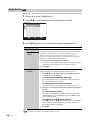
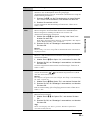
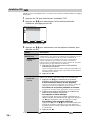
Digital Set-up
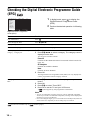
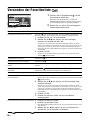
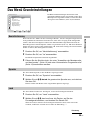
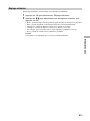
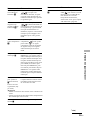
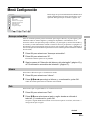
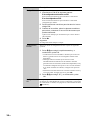
Displays digital subtitles on the screen.
Press m/M to select “Off”, “Basic”, or “For Hard of Hearing”, then
press OK.
When “For hard of hearing” is selected, some visual aids may also
be displayed with the subtitles (if TV channels broadcast such
information).
Subtitle
Language
Selects which language subtitles are displayed in.
Press m/M to select the language, then press OK.
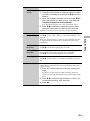
Audio
Language
Selects the language used for a programme. Some digital channels
may broadcast several audio languages for a programme.
Press m/M to select the audio language, then press OK.
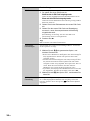
Audio Type
Increases the sound level (only for Hard of Hearing).
Press m/M to select “Basic” or “For Hard of Hearing”, then press
OK.
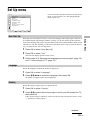
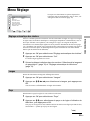
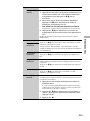
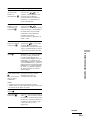
Parental Lock
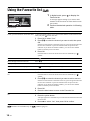
Sets an age restriction for programmes. Any programme that
exceeds the age restriction can only be watched after a PIN Code is
entered correctly.
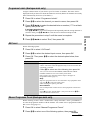
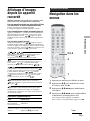
1
Using the Menu
Subtitle Setting
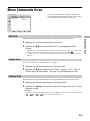
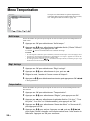
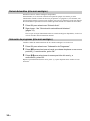
Press the number buttons to enter your existing PIN
code.
If you have not previously set a PIN, a message appears to
inform you. Press OK, then follow the instruction of “PIN code”
below.
2
3
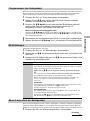
Press m/M to select the age restriction or “None” (for
unrestricted watching), then press OK.
Press <.
35
GB