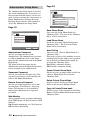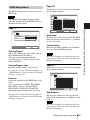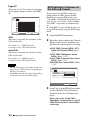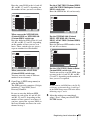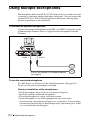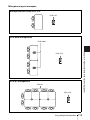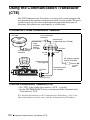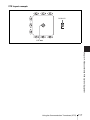
1
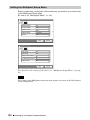
Ending the Multipoint Videoconference
1
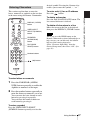
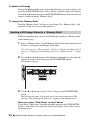
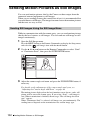
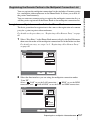
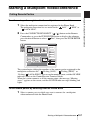
Press the CONNECT/DISCONNECT (
Commander.
/
) button on the Remote
Phone Book
Disconnect
Dial
Cancel
2
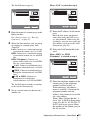
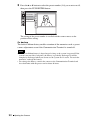
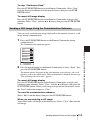
Use the V, v, B or b button to select “Disconnect”, then press the PUSH
ENTER button.
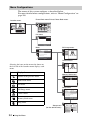
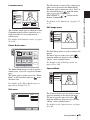
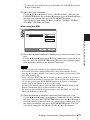
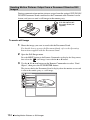
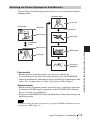
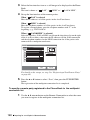
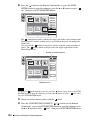
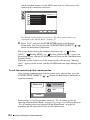
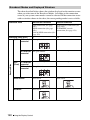
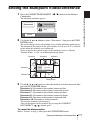
The screen changes to the split window screen and the following menu appears.
The location of the pictures in the split windows A to E (or A to C) is restored
to that when the terminals were connected.
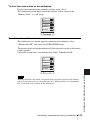
You can display the terminal names in this window if you set “Display
Terminal Name” to “On” in the Multipoint Setup menu.
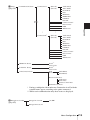
Picture A
Picture B
Disconnect A
Disconnect B
Picture C
Disconnect C
Disconnect D
Picture D
Disconnect E
Disconnect All
Cancel
Picture E
Local picrure
3
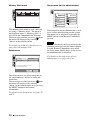
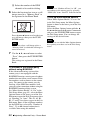
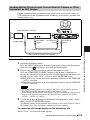
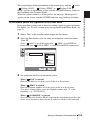
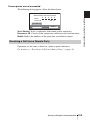
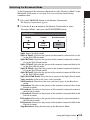
Use the V, v, B or b button to select the terminal to be disconnected, then
press the PUSH ENTER button.
Disconnect A: Disconnects the terminal connected first.
Disconnect B: Disconnects the terminal connected second.
Disconnect C: Disconnects the terminal connected third.
Disconnect D: Disconnects the terminal connected fourth.
Disconnect E: Disconnects the terminal connected fifth.
Disconnect All: Disconnects all the terminals.
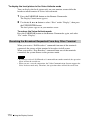
The selected terminal is disconnected.
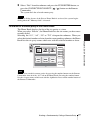
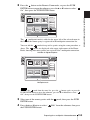
You can disconnect all the terminals by pressing the CONNECT/
DISCONNECT ( / ) button again.
To cancel the disconnection
Select “Cancel” in step 3, then press the PUSH ENTER button.
Ending the Multipoint Videoconference
171
Chapter 8: Multipoint Videoconference
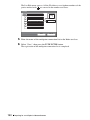
The following submenu appears.