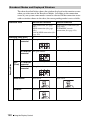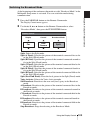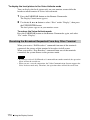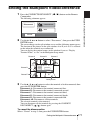
1
2
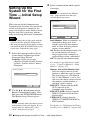
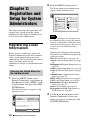
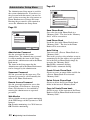
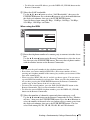
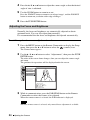
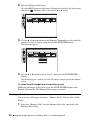
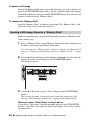
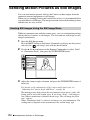
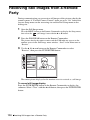
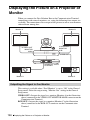
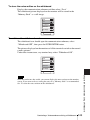
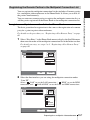
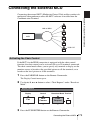
Open the Memory Stick menu.
Press the MENU button on the Remote Commander to display the Setup menu,
and select
(Memory Stick) icon with the V or v button.
Memory Stick
3
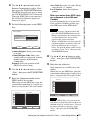
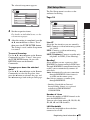
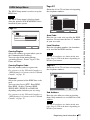
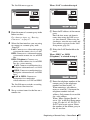
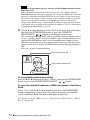
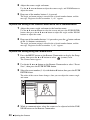
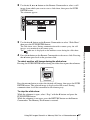
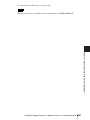
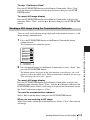
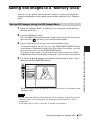
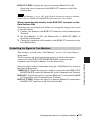
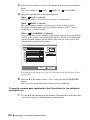
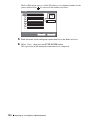
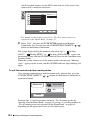
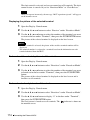
Use the V, v, B or b button on the Remote Commander to select the still
image you want to display, then press the PUSH ENTER button.
The submenu appears.
Memory Stick
Save
2
Send
Load
Delete
Slide Show
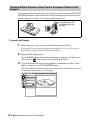
4
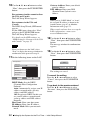
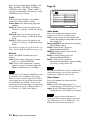
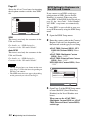
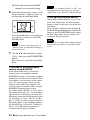
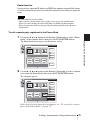
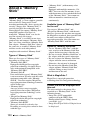
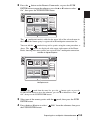
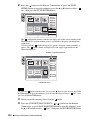
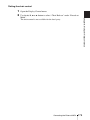
Use the V or v button to select “Load”, then press the PUSH ENTER
button.
The menu disappears and the selected still image is displayed on the monitor
screen.
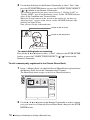
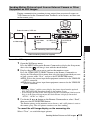
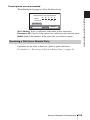
To clear the still image from the monitor screen
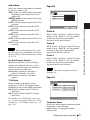
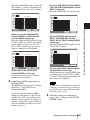
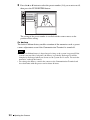
While the still image is displayed, press the PUSH ENTER button on the
Remote Commander. The Memory Stick menu is restored.
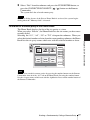
Viewing a slide show
You can view still images stored in a “Memory Stick” slide by slide. (Slide
Show)
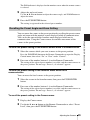
1
96
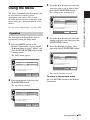
Insert the “Memory Stick” into the Memory Stick slot, and display the
Memory Stick menu.
Using Still Images Stored in a “Memory Stick” for a Videoconference