Chapter 3: SmartNAVI
7.
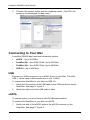
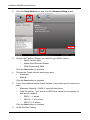
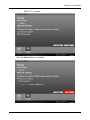
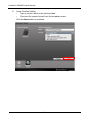
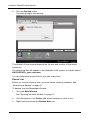
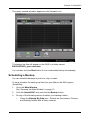
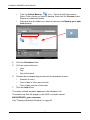
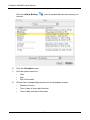
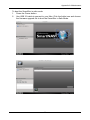
Review your parameters.
To make changes, click the Previous button.
To accept the parameters and configure your DAS system, click the OK
button.
8.
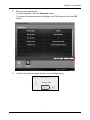
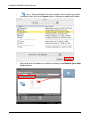
In the Final Confirm popup window, click the Yes button.
35