1
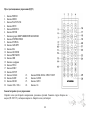
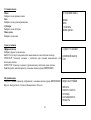
For VCD and CD, select track number.
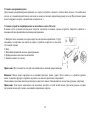
Press PLAY/PAUSE button to play; or move the cursor to select “PLAY” and press ENTER button to start playback of the
programmed consequence.
If you want to delete the list, move the cursor to “CLEAR”, press ENTER button to delete the list set before. Press ST/PROG button
to exit the program mode.
TV type select (for DVD/VCD)
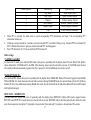
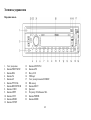
Press PN/SUB/BAND button on the panel to select the TV type: PAL => PAL-M => PAL-N => AUTO => NTSC.
23