1
EPHD04+ HDcctv DVR
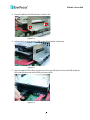
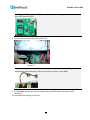
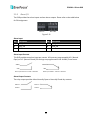
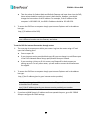
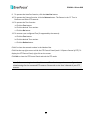
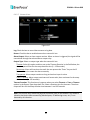
Note: The small PCB provides 4 SATA ports. Please refer to the image below for the two
spare SATA ports for HDDs.
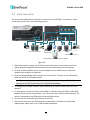
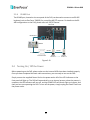
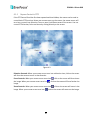
8. Connect the internal power cable to the HDD.
Figure 2-7
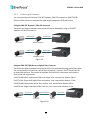
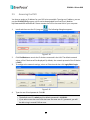
Note: The internal power cable is connected to the Main board inside the DVR. The power
cable features two connectors, which can be used to connect to two HDDs.
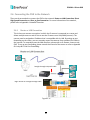
9. Follow Step 7 and 8 to connect the power cable and SATA cable to the other HDD if
necessary.
10. Screw back the housing to the DVR.
10