1
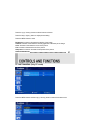
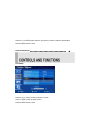
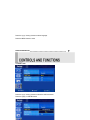
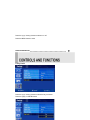
Press the up(▲) / down(▼) button to select Custom sub menu.
Press the left(◀) /right(▶) button to adjust picture setting.
Press the MENU button to save.
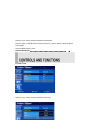
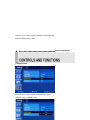
Brightness: Increase or decrease the intensity of the image.
Contrast: Increase or decrease the intensity (lightness or dimness) of the image.
Color: Increase or decrease the colour of the picture.
Tint: Increase or decrease the tint of the picture.
Sharpness: Increase or decrease the sharpness of the picture.
INSTRUCTION MANUAL……………………………………………………………………………
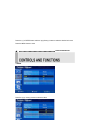
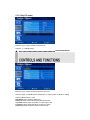
A: CUSTOM MENU (Only PC mode)
Press the MENU button and then up(▲) / down(▼) button to select the Custom menu.
9